
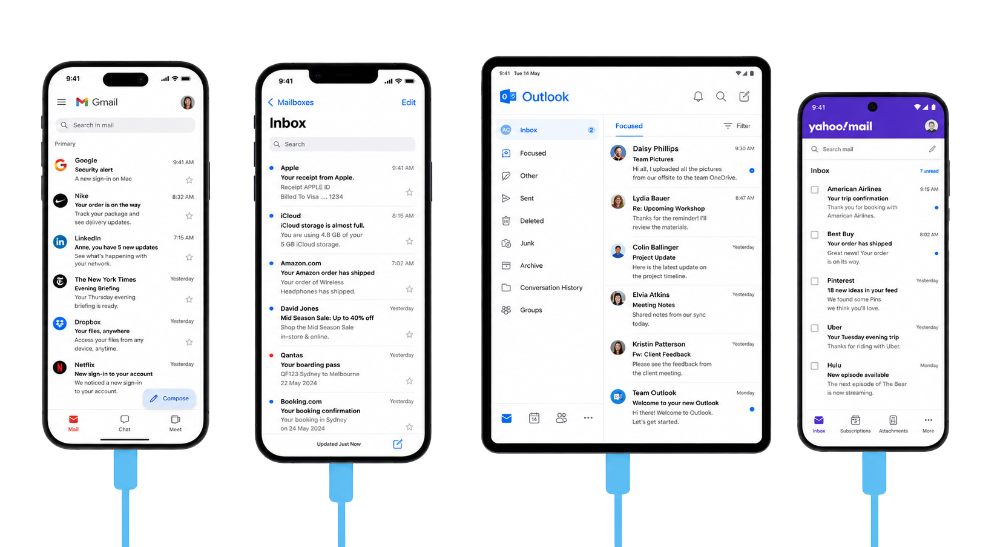
Test across devices
Test email rendering across supported mobile, desktop, webmail, and native-app contexts. Find layout, image, spacing, and CTA visibility issues before launch.

MailSlurp helps teams run device previews and compatibility checks to catch layout issues, broken links, missing images, and client-specific regressions before campaigns and release messages go live.
Trusted by top companies worldwide






Use MailSlurp to compare Outlook, Gmail, Yahoo, Apple Mail, iOS, iPadOS, Android, and browser render targets before customers receive the message.



Client and device previews
Review the campaign across supported email clients and configured render targets, compare results, and inspect the source HTML before the campaign reaches customers.
Test email rendering across supported mobile, desktop, webmail, and native-app contexts. Find layout, image, spacing, and CTA visibility issues before launch.
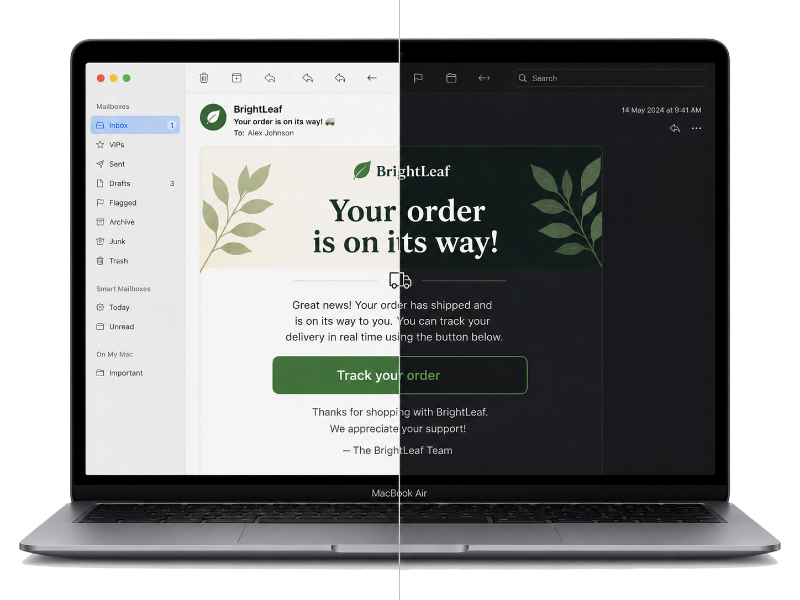
Use configured target sets to compare important client contexts, catch contrast and spacing regressions, and review the same email your app or ESP produced.
Use MailSlurp to review real client previews, compare rendering differences, and keep evidence with each launch or release.
Compare how your email appears across providers and devices so layout issues are caught before customers see them.

Detect email features and identify compatibility risks for clients and operating systems you care about.

Protect important CTAs by detecting 404 links, invalid redirects, and missing assets.
Run email auditTrack render outcomes over time and compare before/after template changes to prevent regressions.
See campaign probe