
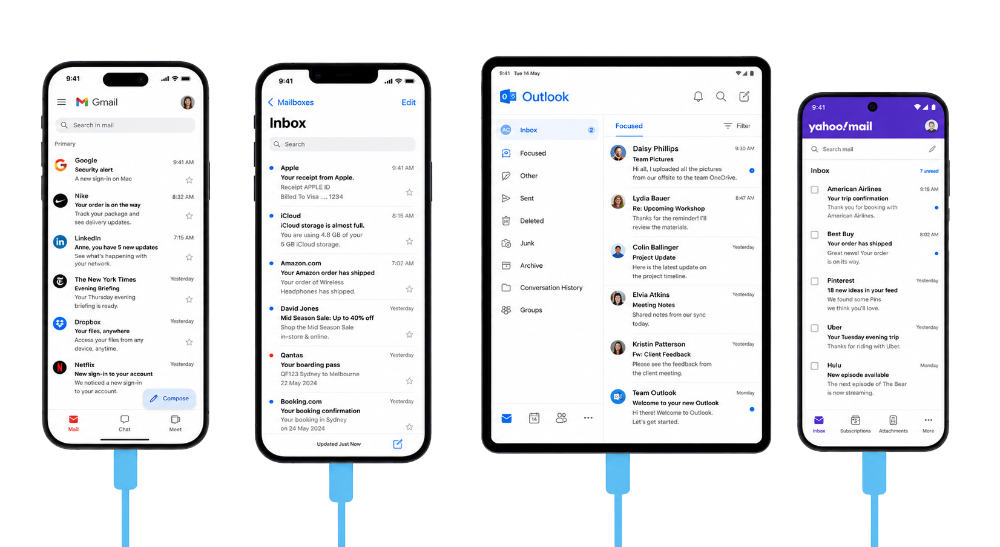
Test across devices
Test email rendering across supported mobile, desktop, webmail, and native-app contexts. Find layout, image, spacing, and CTA visibility issues before launch.

MailSlurp helps teams test HTML email rendering for Outlook.com, Outlook Classic, Outlook New, Gmail, Yahoo, iPhone, and Android so template issues are caught before launch.
Trusted by top companies worldwide






MailSlurp preview runs can include Outlook.com, Outlook Classic, New Outlook, Outlook iOS, Outlook Android, and comparison clients so one template can be reviewed across the places customers open mail.

Client and device previews
Review the campaign across supported email clients and configured render targets, compare results, and inspect the source HTML before the campaign reaches customers.
Test email rendering across supported mobile, desktop, webmail, and native-app contexts. Find layout, image, spacing, and CTA visibility issues before launch.
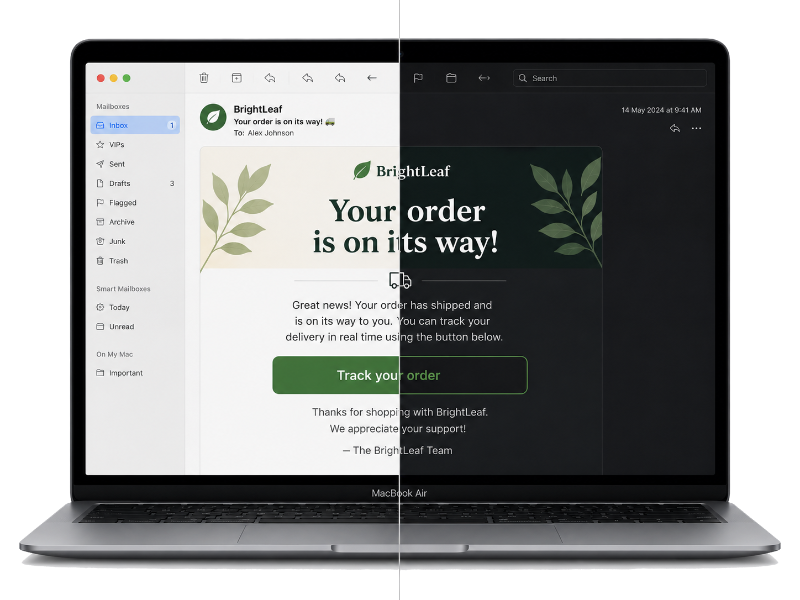
Use configured target sets to compare important client contexts, catch contrast and spacing regressions, and review the same email your app or ESP produced.
Use MailSlurp to review real client previews, compare rendering differences, and keep evidence with each launch or release.
Review how HTML, tables, buttons, images, spacing, and responsive sections behave in Outlook clients before customers receive the email.

Validate the same message across Gmail, Yahoo, iPhone, Android, and Outlook targets so client-specific defects are easier to isolate.

Make Outlook rendering part of the same approval path as link checks, image checks, and inbox placement testing.
See campaign QAUse MailSlurp APIs and dashboards to create preview runs for imported emails, template changes, and automated test flows.
Read render API docs