Render on real devices

Preview one delivered email across Gmail, Outlook, Yahoo, Apple Mail, mobile, desktop, light mode, and dark mode.
MailSlurp creates previews for Gmail, Yahoo, Outlook.com, Outlook Classic, Outlook New, iPhone, Android, and other targets so teams can catch broken layouts, missing images, and client-specific rendering defects before launch. The free plan includes device renders every month.

Trusted by top companies worldwide






Client and device previews
Review the campaign across supported email clients and configured render targets, compare results, and inspect the source HTML before the campaign reaches customers.
Inspect the email that actually arrived, compare its rendering across clients and devices, and catch delivery or content problems before launch.
Preview one delivered email across Gmail, Outlook, Yahoo, Apple Mail, mobile, desktop, light mode, and dark mode.

Confirm whether the same email reaches inbox, promotions, or spam across Gmail, Outlook, Yahoo, and Apple provider mailboxes.
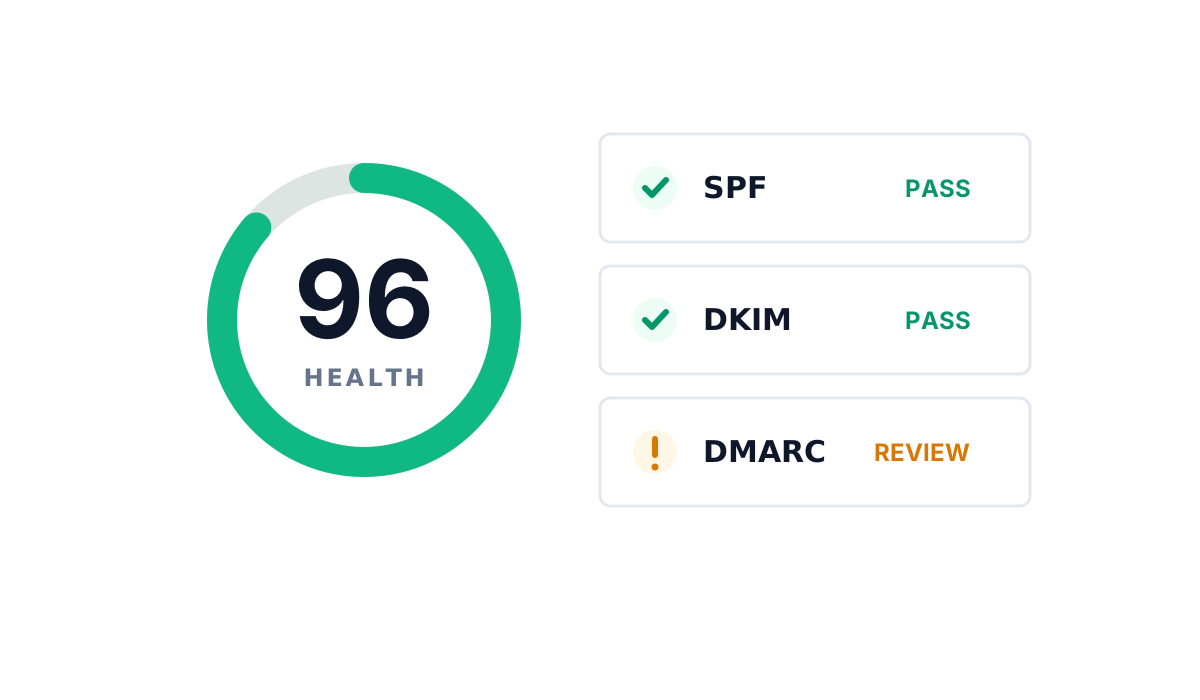
Track SPF, DKIM, DMARC, MX records, reputation signals, blocklists, and domain changes alongside rendering results.

Catch broken links, missing images, unsupported markup, and content warnings in the exact email sent for preview.
Move from a delivered test email to cross-device review and team approval in three clear steps.
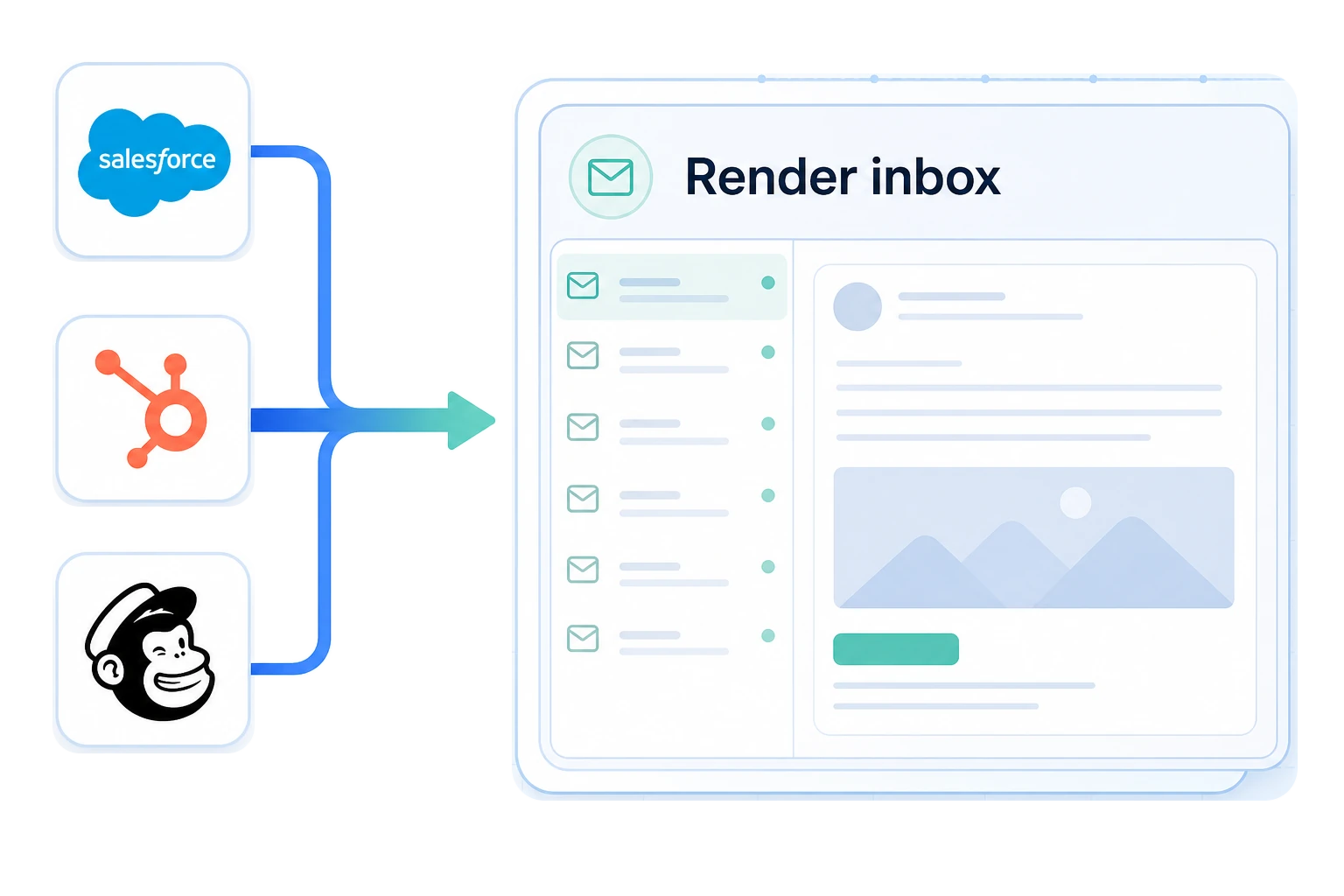
Send from Salesforce, HubSpot, Mailchimp, or your own application to a dedicated MailSlurp render address.
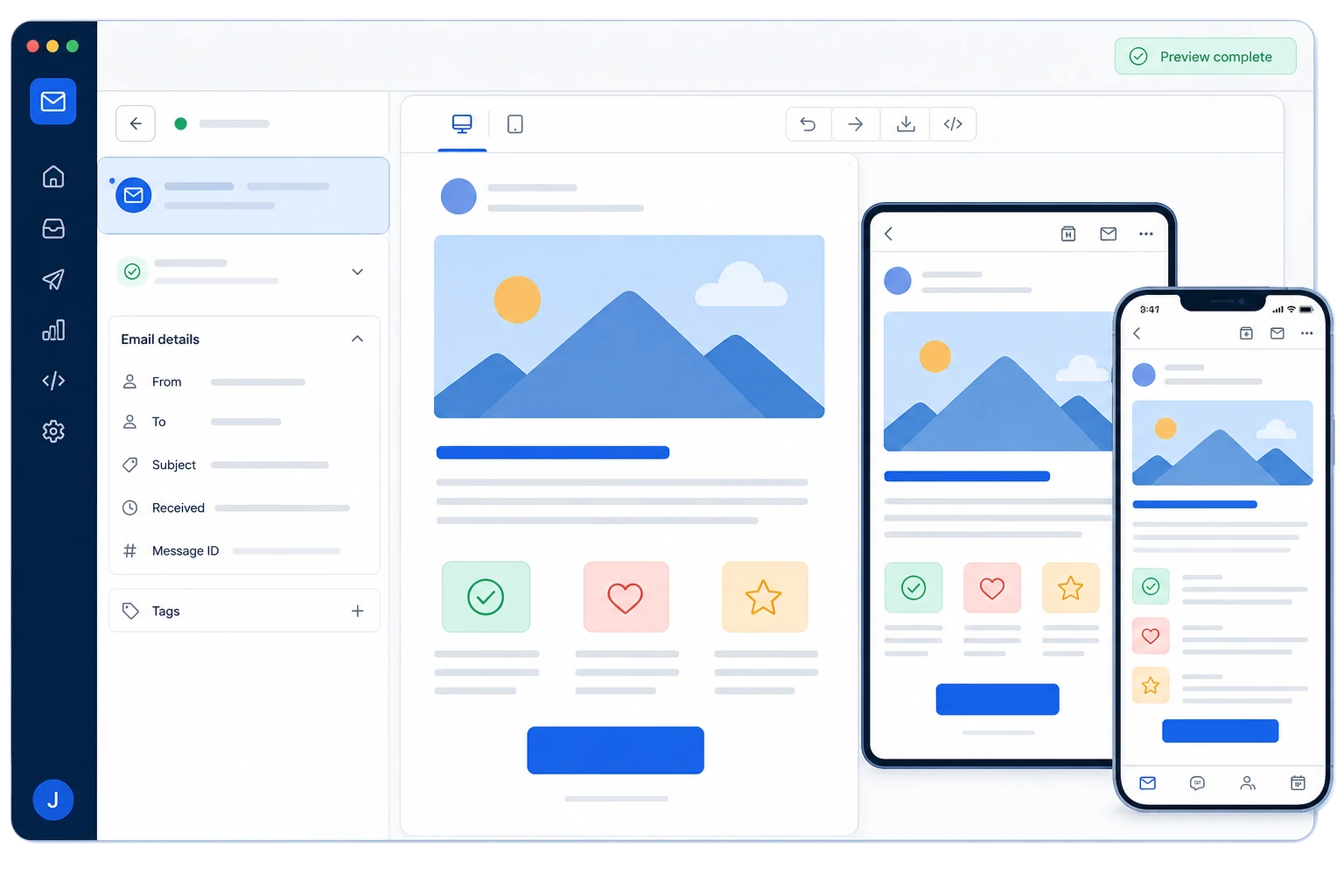
Open the render run and compare the delivered message across desktop, tablet, mobile, and mailbox targets.
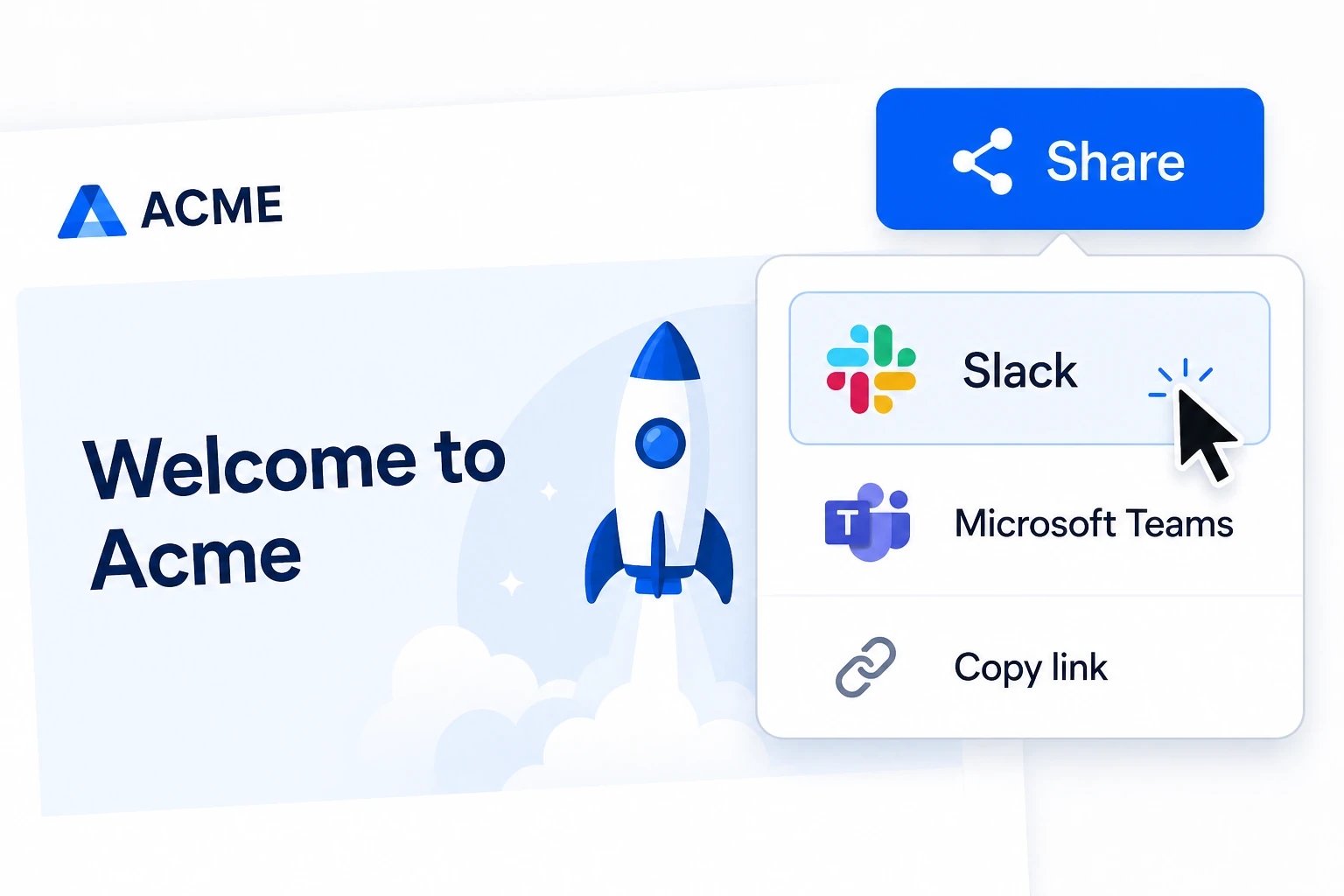
Create a shareable result link and send it to Slack so teammates can review the same render evidence.
Follow the exact test-send workflow for your email service provider.
 BrazePreview delivered Braze campaigns.Open Braze device preview guide
 BrevoReview Brevo emails across clients.Open Brevo device preview guide
 Constant ContactCheck delivered campaign rendering.Open Constant Contact device preview guide
 GetResponseCompare newsletter renders.Open GetResponse device preview guide
 HubSpotInspect delivered HubSpot emails.Open HubSpot device preview guide
 KitReview Kit Broadcasts on devices.Open Kit device preview guide
 KlaviyoCompare Klaviyo campaign renders.Open Klaviyo device preview guide
 MailchimpPreview campaigns before launch.Open Mailchimp device preview guide
 MailerLiteCheck campaigns across clients.Open MailerLite device preview guide
 MailjetReview Mailjet email rendering.Open Mailjet device preview guide
 OmnisendPreview Omnisend campaigns everywhere.Open Omnisend device preview guide
 SalesforceInspect Salesforce emails across clients.Open Salesforce device preview guide
Trigger renders from a stored email or imported .eml file, wait for screenshots across configured clients, and share the review link with the team.
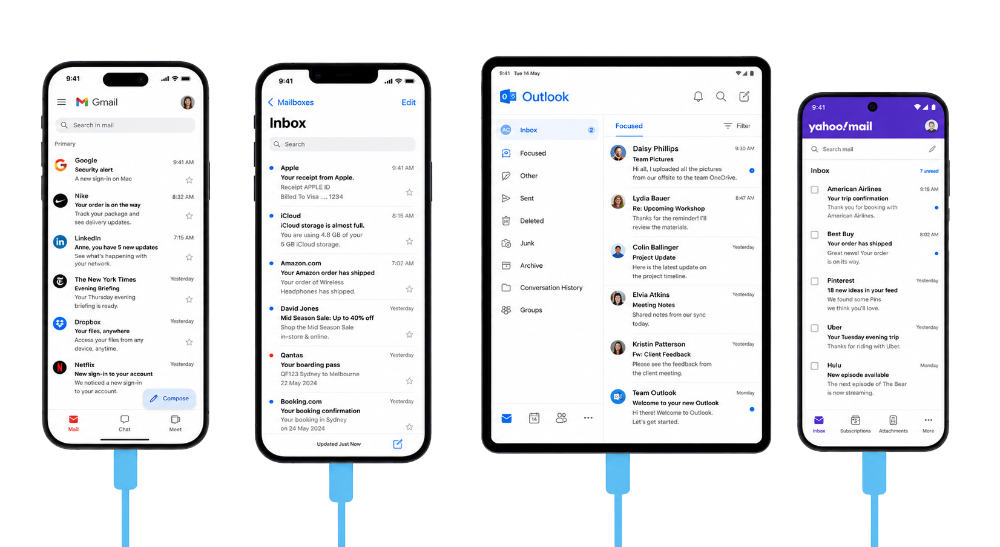
Test email rendering across supported mobile, desktop, webmail, and native-app contexts. Find layout, image, spacing, and CTA visibility issues before launch.
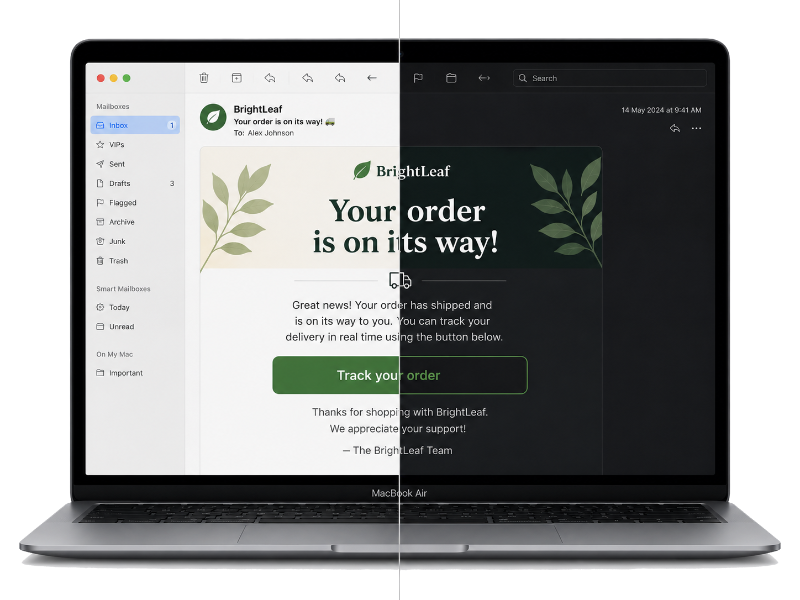
Use configured target sets to compare important client contexts, catch contrast and spacing regressions, and review the same email your app or ESP produced.
Run dependable email previews without changing the tools, providers, or team channels you already use.

Choose a bundled subscription or pay as you go.

Fast renders or your money back.
Get Slack and Microsoft Teams notifications, then share team dashboards.
See how MailSlurp compares with established email testing platforms, then choose the workflow and pricing that fit your team.



Review the email that actually arrived, compare the clients your customers use, and keep each result available for the next release decision.
Send the email to a MailSlurp render inbox or import its .eml source, then start a device preview run with the Gmail, Outlook, Apple, mobile, and desktop targets your audience uses. MailSlurp keeps the screenshots together so layout, images, spacing, and CTA differences are easy to compare before launch. Start with an HTML email preview.
Choose a target set that includes the mobile, desktop, light-mode, and dark-mode contexts important to the message. Review the same delivered email across those targets, then rerun the preview after changing colors, spacing, images, or responsive markup. See mobile email previews.
The MailSlurp device preview API can create a render run from a stored email or imported .eml file, poll until the target screenshots are complete, and return result data for a release check. That makes the exact message produced by your application available to CI instead of testing a separate browser mockup. Read the device render API guide.
Include Outlook Classic, Outlook New, and Outlook.com in the same MailSlurp preview run. Comparing those results side by side helps isolate client-specific behavior in tables, buttons, fonts, spacing, images, and responsive sections before the email reaches customers. See Outlook email previews.