






Integrate with any framework
Official plugins and SDKs for all major programming languages, frameworks, and test platforms. All functionality available via API or dashboard.
Create dedicated phone numbers for QA, staging, CI, and application workflows. Receive SMS through MailSlurp APIs, extract verification codes, assert webhook delivery, and keep number usage traceable without shared devices.

Trusted by top companies worldwide






Phone number dashboard
Developers can provision phone numbers in code while admins and QA leads use the MailSlurp app to choose regions, line types, quality presets, tags, and team access for shared phone/SMS workflows.
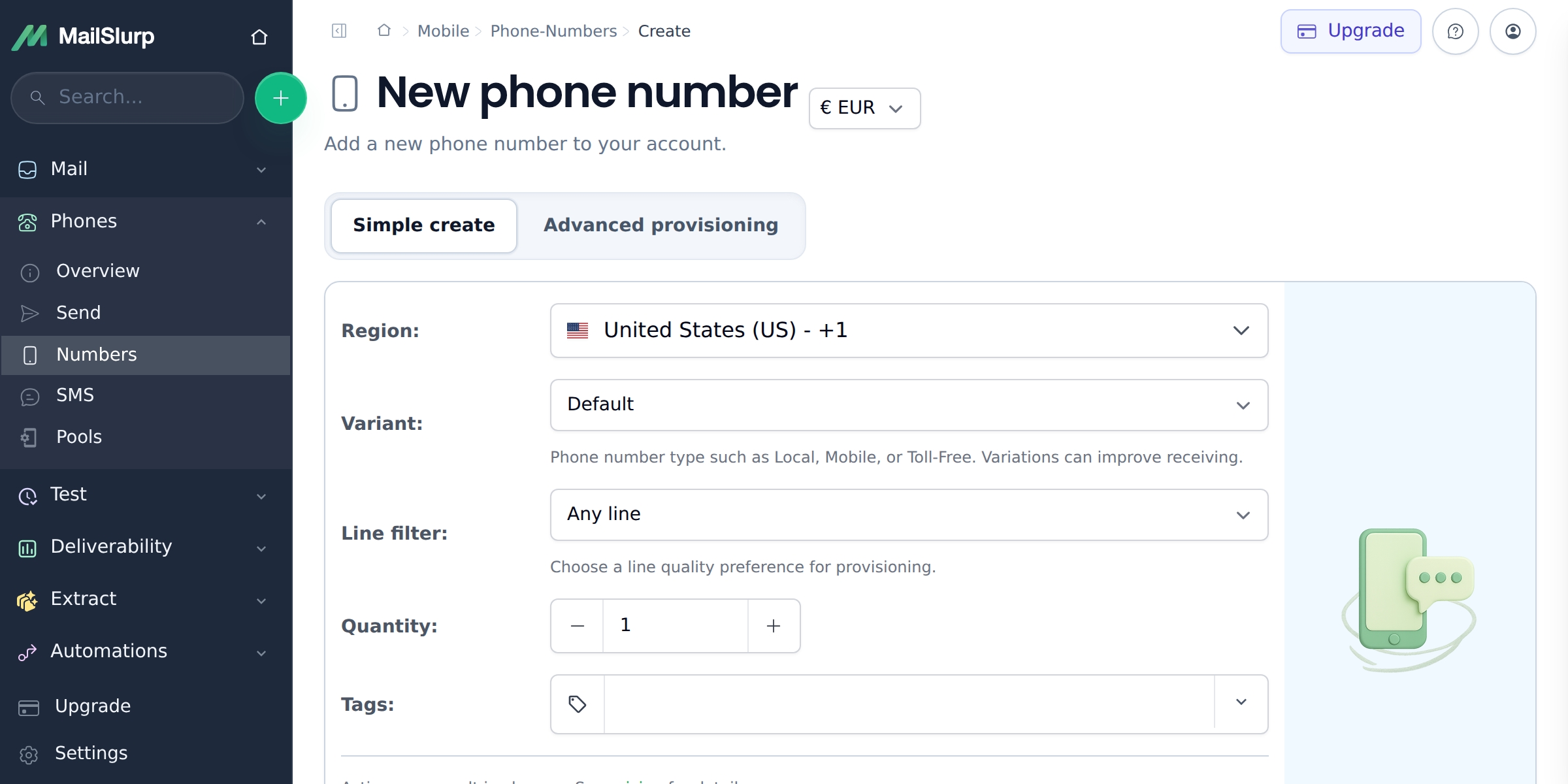
Allocate numbers by environment, region, test worker, or customer journey. MailSlurp keeps the number, inbound message, extracted OTP, and final verification result tied to the same run so failures are easier to debug.
Manage phone numbers as test and product infrastructure: provision a number, lock it during a flow, wait for inbound SMS, inspect message history, route events, and clean up when the workflow is complete.
Integrate MailSlurp Seamlessly
Official plugins and SDKs for all major programming languages, frameworks, and test platforms. All functionality available via API or dashboard.

MailSlurp fits right into your existing development, testing, and CI/CD workflows. Deploy and iterate with confidence and actionable feedback.
Use dedicated numbers for the product paths where SMS timing, ownership, routing, and cleanup need to be observable.
Provision numbers for QA, staging, CI workers, or regional journeys without relying on shared phones or unmanaged inboxes.
Open SMS verification APICapture one-time codes from real SMS messages and assert signup, login, recovery, and MFA outcomes.
Open auth testingReceive, inspect, search, and route inbound SMS messages through APIs, webhooks, and application workflows.
Reserve numbers while a flow is running so parallel test jobs and repeated verification attempts stay isolated.
Choose numbers for country-specific formatting, sender behavior, market tests, and customer-facing SMS workflows.
Explore UK numbersSend inbound SMS events to your systems and keep lifecycle cleanup visible when a run or workflow finishes.
Mobile networks
20+
Test SMS workflows against real carrier behavior.
Messages processed
500 million+
Infrastructure for message-driven product journeys.
Developer APIs
SDKs
Create numbers, wait for SMS, and route events from code.
