

Unlimited inboxes, on demand
Give each test or workflow its own inbox. Generate addresses automatically, keep them permanently or set an expiry.
Create inboxesCreate unlimited inboxes or connect Gmail and Outlook. Send, receive and process email and attachments through APIs, SDKs and webhooks - for applications, automated tests and AI agents.

Trusted by top companies worldwide






Create unlimited inboxes without running a mail server. Keep a permanent address for your application or create disposable inboxes for individual tests. Choose your addresses, connect existing accounts and manage them from code or the dashboard.
Explore inboxes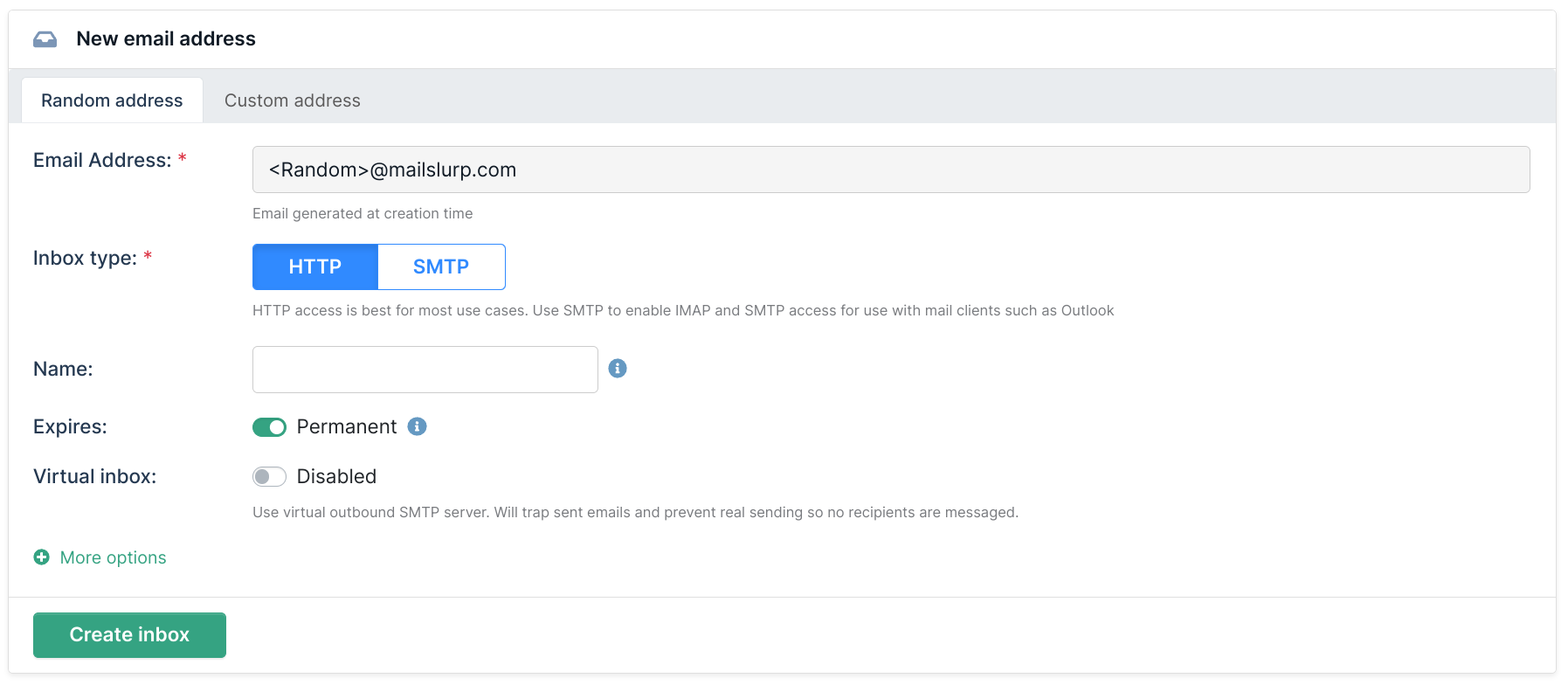
Give each test or workflow its own inbox. Generate addresses automatically, keep them permanently or set an expiry.
Create inboxes
Choose the part before the @ on your own domain. Use aliases and +suffix addresses to separate messages by customer, test or workflow.
Use your own addresses
Bring existing accounts into MailSlurp and access their messages through a shared API and dashboard.
Connect an accountCreate an inbox, send a message and wait for a reply without building your own mail server. Use official SDKs or call the REST API directly.
JavaScript, TypeScript, Python, Java, C#, PHP, Ruby and more. Existing mail clients can connect through SMTP and IMAP.
Browse APIs and SDKs
Create inboxes, send email and read messages with JavaScript, TypeScript, Python, Java, C#, PHP and more. Or call the REST API directly.
Find your SDK
Verify signup, OTP and password reset flows in Playwright, Cypress and Selenium. Test email under load with k6 and JMeter.
Explore test integrations
Give agents an inbox through MCP and APIs. Receive requests, draft replies and connect email to Zapier workflows with scoped account access.
Connect your agentRead the body, inspect headers and download the files that arrive with an email. Use the dashboard to investigate a message, then process the same content in your application.
Explore email attachments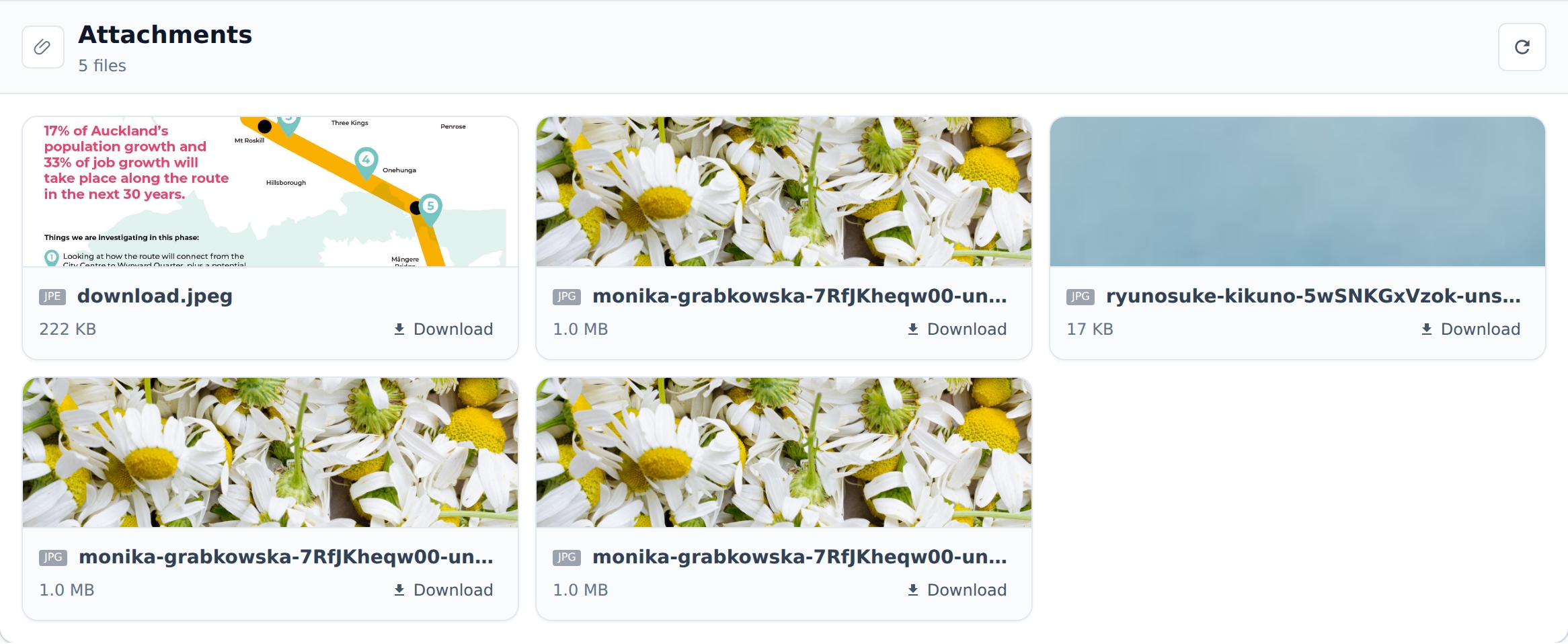
Inspect the content, sender, recipients and raw message when your application needs more than a subject line.
Retrieve attachments from incoming mail and pass documents or images to your own storage and processing tools.
Send email with HTML and attachments through API or SMTP, and build workflows that respond to incoming mail.
Create webhooks to send email events to your endpoint. Start a support workflow, process an incoming order or notify your application without repeatedly checking an inbox. Inspect delivery history and HTTP responses when something needs attention.
Create an email webhook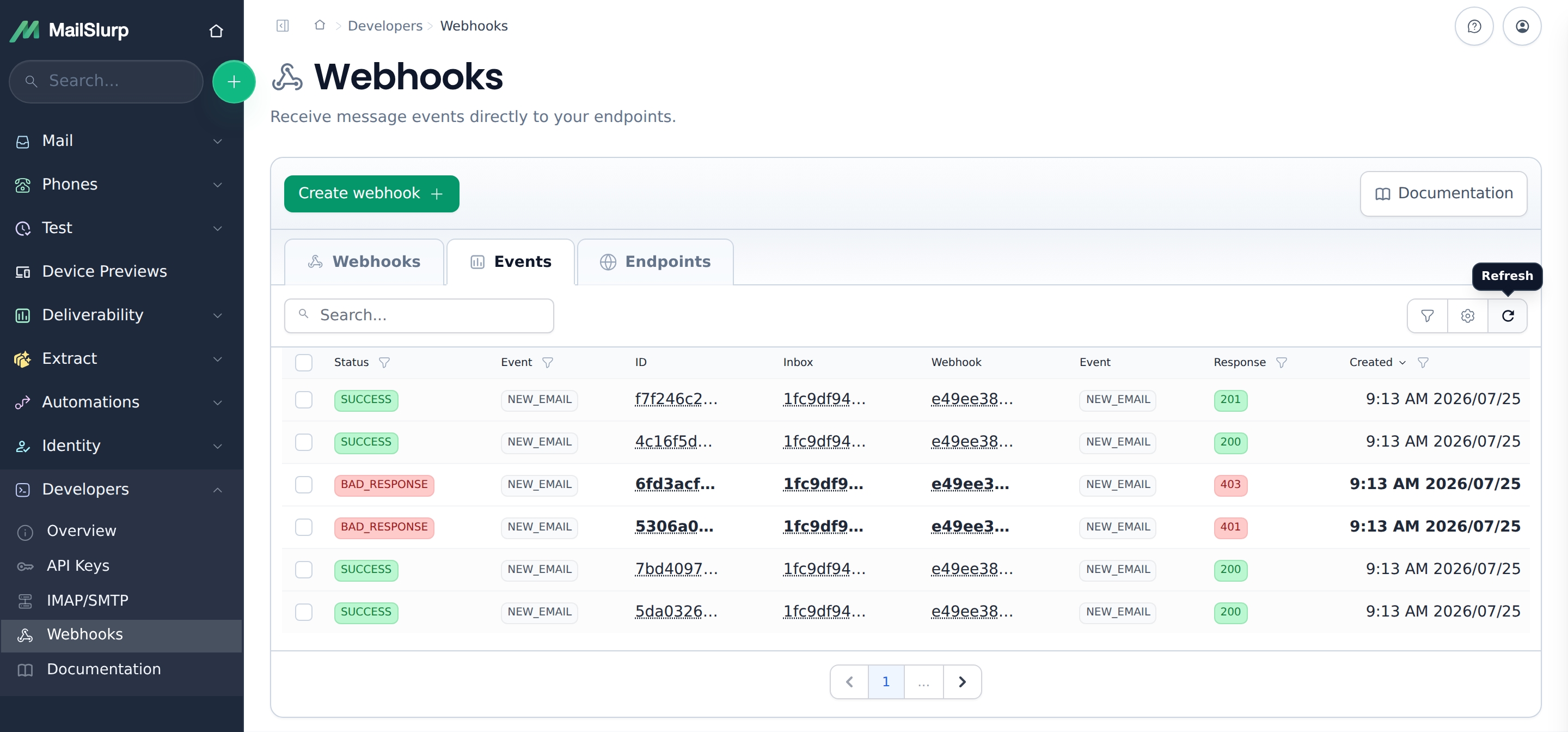

Create forwarders to send matching email to another address. Set up automatic replies to acknowledge incoming requests.
Configure forwarding
Turn email and PDF attachments into structured JSON. Extract invoice numbers, totals and order details using AI, schemas and OCR.
Explore AI data extraction
Create rulesets to allow or block addresses and domains. Apply rules to one inbox or your account, and test them before relying on them.
Configure inbox rulesetsCreate an inbox for your browser test, trigger signup or password recovery, then wait for the matching message. Read a verification code or follow a magic link to complete the flow.
Use MailSlurp with Playwright, Cypress, Selenium and CI. Bounded waits and message matching help parallel tests read the right email.
Explore end-to-end testingUse a shared dashboard to inspect messages and manage accounts. Organize development, staging and production environments, with enterprise roles and permissions for the people using them.
Enterprise options include SAML/OIDC sign-in, SCIM provisioning and audit logs. Choose the team controls your organization needs.
Explore enterprise features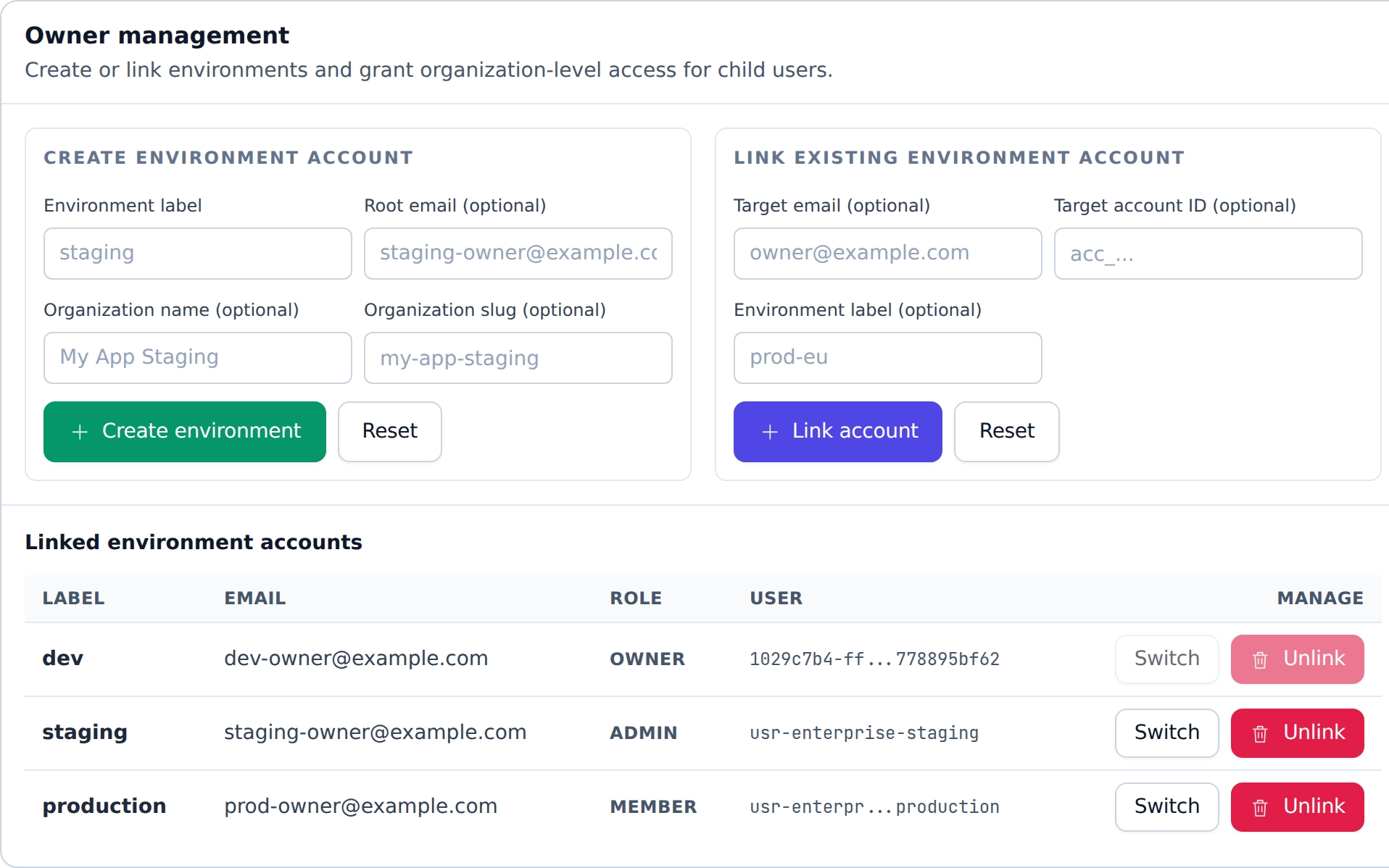
Add focused email-quality checks when you need to review the message your customers will receive.
See the delivered email on supported clients and devices, including mobile and dark mode.
Explore device renderingFind broken links, missing images, accessibility issues and HTML/CSS problems.
Explore Email AuditCheck whether your email reaches inbox, promotions or spam in real provider mailboxes.
Explore inbox placementYes. MailSlurp inboxes receive real email. Create addresses for temporary tests or ongoing applications, use a custom domain, or connect a Gmail or Outlook account.
Unlimited inboxes describes address creation, not unlimited message volume or storage. Check the plan and usage allowances for the workloads you want to run. View plans
You can create accounts and inspect messages in the dashboard. APIs, SDKs, SMTP, IMAP and webhooks let developers automate those workflows.
Yes. Receive email and attachments for applications, route messages with webhooks and forwarding, extract structured data, or give AI agents access to email.
Create an email address, receive a message and connect it to your application.