

Shared phone numbers, too
Let authorized teammates inspect SMS messages and verification codes on the same dedicated numbers.
Explore phone numbersGive developers, QA and marketing one place to work with real emails, phone numbers and test results. Bring everyone into a shared MailSlurp workspace, with individual sign-ins and enterprise access controls.

Trusted by teams at






Create dedicated email accounts for QA, engineering and marketing. Give teammates access to the same received messages and attachments, so an email never needs to be forwarded around just to investigate a test.
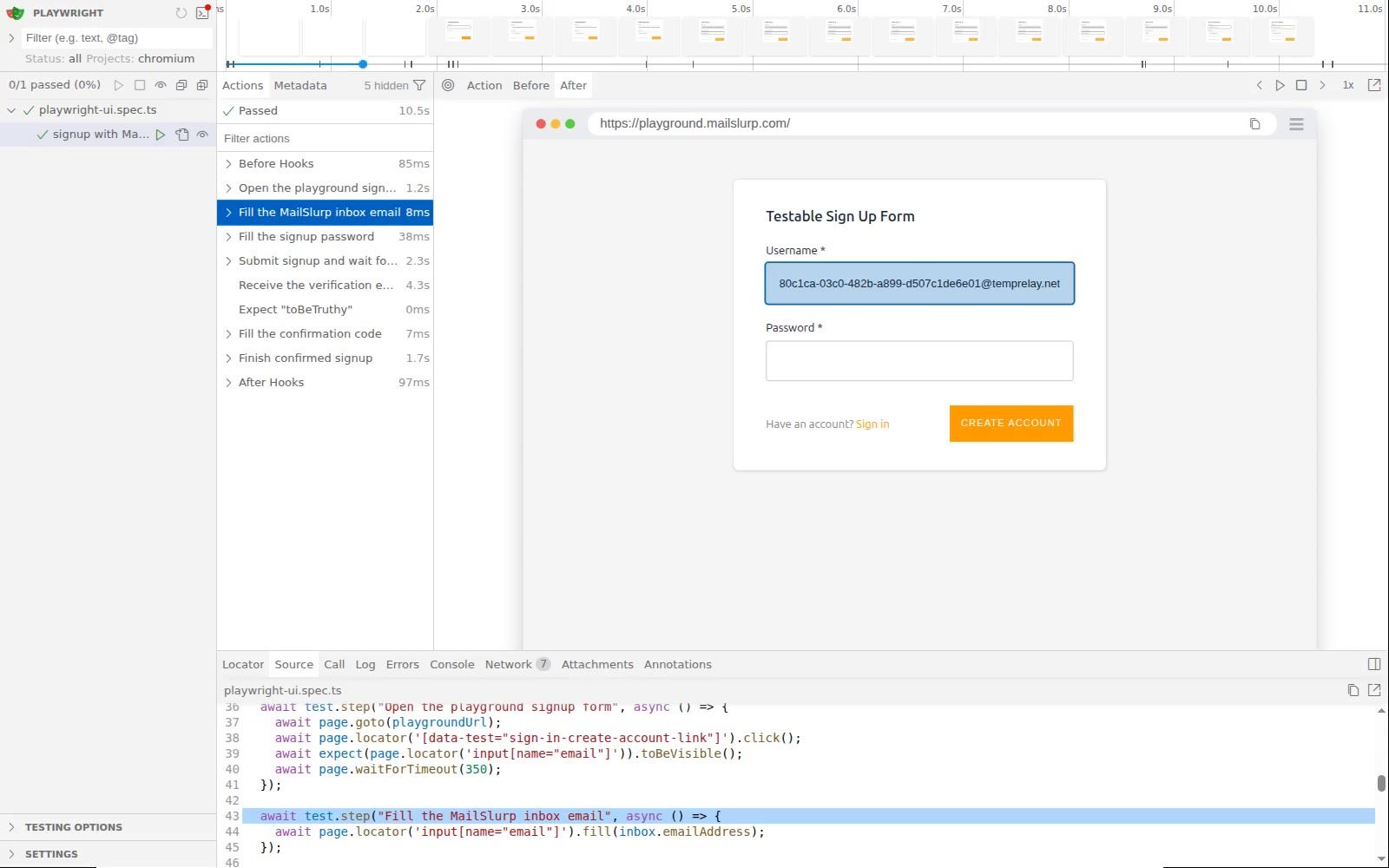
Choose unlimited user seats for your organization and give each person their own sign-in. Keep team resources together, with access governed by your organization's roles and permissions.
Set up your organization
Let authorized teammates inspect SMS messages and verification codes on the same dedicated numbers.
Explore phone numbers
Use the same message APIs from Playwright, Cypress, Selenium or your own suite, with SDKs for your team's language.
Find your SDK
Give development, staging and production their own resources, and grant people access to the environments they need.
Explore environmentsDecide who can read emails and SMS, reply to messages, manage inboxes or administer your team. Use named accounts and role-based permissions to give people the access their work requires.
Connect SAML or OIDC single sign-on, provision users with SCIM, and review organization activity, API key usage and quotas. Keep onboarding and offboarding aligned with your identity provider.
Explore enterprise controls
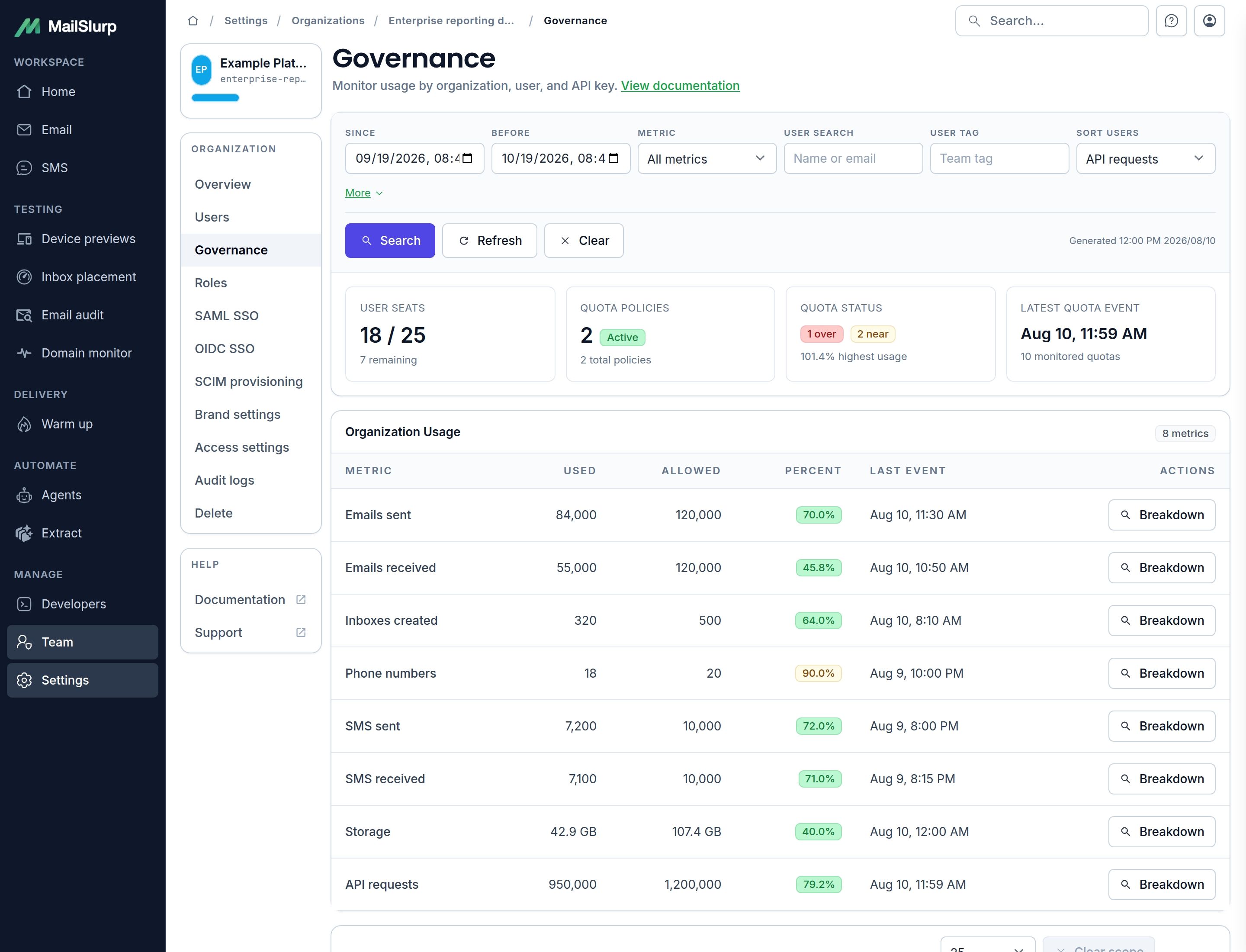
Bring QA, developers and marketers into the same review. Preview the delivered email across clients and devices, compare versions and share the result with teammates before the campaign goes out.
Check light and dark mode layouts, follow links and inspect content. Use Email Audit for broken links, missing images and accessibility findings. Add comments to device previews to show teammates exactly where a fix is needed.
Explore visual email testing
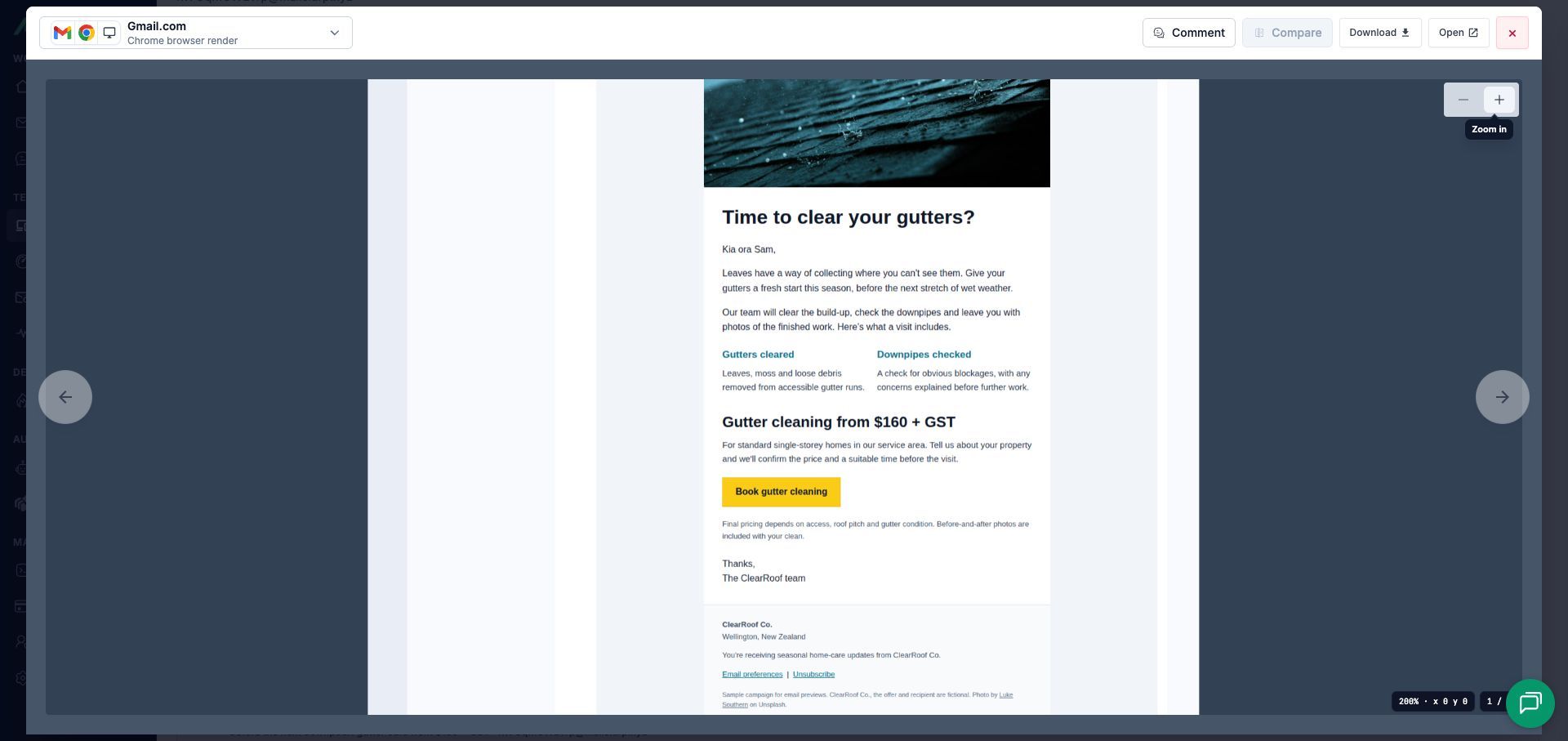
Create a fresh inbox for each automated test, receive the real confirmation email and complete the browser journey. Developers can check the test trace while QA inspects the delivered message in the shared workspace.
Use the same approach for password resets, invitations and email or SMS verification. Keep test inboxes isolated so parallel runs do not pick up one another's messages.
Explore email and SMS testing
Yes. MailSlurp organization users can work with shared email and SMS resources through their own accounts. Assign permissions for reading and replying to messages, managing inboxes and administering the organization. Read the organization guide.
MailSlurp supports organizations with unlimited user seats. Talk to us about the plan for your team; seat allowances and enterprise controls depend on your subscription. Email, SMS, phone numbers and device previews have their own usage allowances. Discuss your team's requirements.
Yes. Enterprise identity controls include SAML and OIDC single sign-on, plus SCIM provisioning and group-to-role mapping. Connect supported providers such as Microsoft Entra ID or Okta, and manage access through named users and roles. Explore enterprise features.
Yes. Receive the test email in MailSlurp, then inspect its content and device previews in the dashboard. Share a render review link, compare versions and leave comments on the relevant result so teammates can work from the same message. Explore device previews.
Start with your first inbox and explore MailSlurp free. As your team grows, choose shared email and SMS resources, unlimited user seats and enterprise controls to fit your organization.
