
blog
Fixing SMTP 550 Errors (550 5.1.1, Relay Denied, Policy Rejection)
Diagnose and fix SMTP 550 errors with a practical troubleshooting matrix for recipient issues, relay policy, auth setup, and sender reputation.
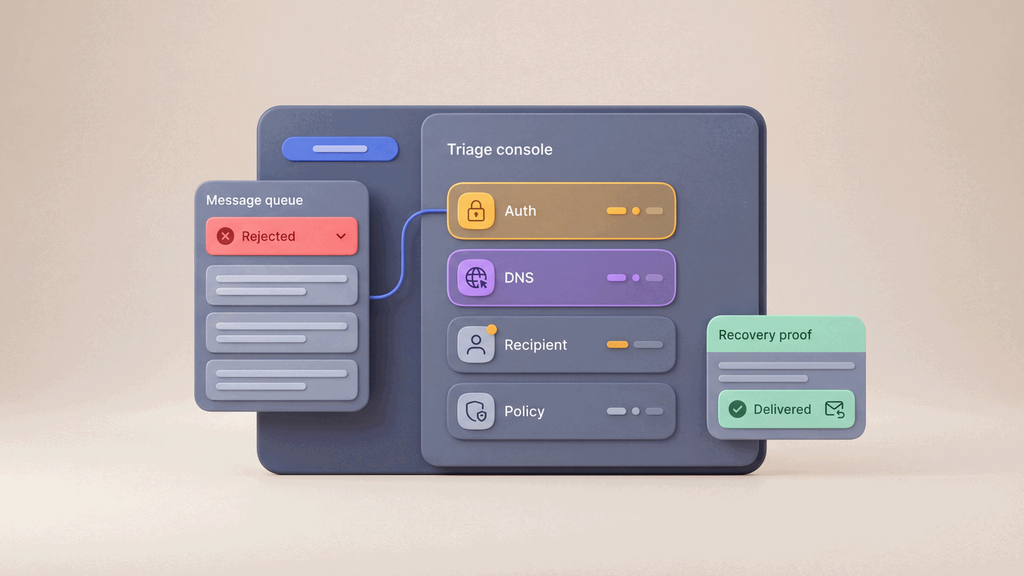
If you are fixing an SMTP 550 error, start here:
550is a permanent rejection class (5xx)- do not blindly retry until cause is identified
- root causes are usually address validity, relay/auth policy, or sender trust controls
If the only clue you have so far is a mailbox notice saying message undeliverable, start with Message undeliverable and then return here once you have the actual SMTP evidence.
What does SMTP 550 mean?
550 usually means the recipient server refused the message.
Common forms:
550 5.1.1 User unknown550 5.1.1 Recipient address rejected550 relay denied550 mailbox unavailable550 rejected for policy reasons
Fast triage sequence
- Capture the full SMTP transcript (command + response lines).
- Identify the exact failing stage (
RCPT TO,MAIL FROM, or post-DATA). - Classify failure: recipient validity, policy/auth, or reputation/content.
- Apply targeted fix, then retest in isolated environment.
- Validate end-to-end inbox outcome before release.
SMTP 550 troubleshooting matrix
| Error pattern | Likely cause | How to fix |
|---|---|---|
550 5.1.1 User unknown |
Recipient mailbox does not exist | Verify recipient address, alias mapping, and domain typo |
550 Recipient address rejected |
Recipient policy or mailbox state | Confirm mailbox exists and recipient domain accepts external mail |
550 relay denied |
Sender not authorized to relay | Enable SMTP auth, use valid credentials, verify sender policy |
550 not local host |
Submission attempted without proper auth/route | Use authenticated submission endpoint and provider-required auth mode |
550 policy rejection |
DMARC/SPF/DKIM misalignment or reputation rules | Fix sender authentication records and review sending reputation |
550 mailbox unavailable |
Recipient mailbox disabled/quota or server policy | Confirm mailbox health with recipient admin and retry after remediation |
Sender-side checks
1) Verify auth and transport pairing
587with STARTTLS465with implicit TLS- correct username/password or token
Related:
2) Validate sender domain authentication
Check SPF, DKIM, and DMARC alignment.
Useful tools:
3) Review reputation and spam posture
If messages are policy-rejected, inspect sending reputation, complaint trends, and content triggers.
Use Email deliverability testing and Email spam checker.
Recipient-side checks
- Confirm mailbox exists and is active.
- Confirm MX resolution routes to correct receiving infrastructure.
- Confirm recipient-side policy is not explicitly blocking your sender.
- Confirm address canonicalization/alias rules are correct.
Preventing repeated 550 incidents
- enforce recipient validation upstream in product flows
- use an Email Validation API when signup, onboarding, or lifecycle records need consistent address policy
- add staged SMTP checks in Email Sandbox
- run release-gate assertions with Email integration testing
- capture rejects and bounces through Email Webhooks
- automate retry/fallback routing with Email automation routing
After the 550 fix, verify the message users receive
When a 550 rejection is fixed, send the same workflow again and review the delivered message, not only the SMTP acceptance response.
Check that:
- the message reaches a controlled inbox
- links and fallback copy still point to the right environment
- important text remains readable in the HTML view
- the email can be reviewed in supported preview contexts before release
FAQ
Should I retry a 550 automatically?
Usually no. 550 is a permanent rejection and should be fixed before retrying.
Is 550 5.1.1 always a typo?
Often, but not always. It can also indicate alias, routing, or recipient policy mismatch.
Can SMTP acceptance still fail later?
Yes. Even without 550, downstream filtering and policy controls can affect final inbox placement.