
blog
Test signup email verification with SmartBear Reflect and MailSlurp
Combine Reflect browser automation with MailSlurp private inbox APIs to validate signup and verification email behavior in a repeatable QA workflow.

Reflect handles browser automation. MailSlurp handles private inbox creation and message assertions.
Used together, they provide a no-code-plus-API workflow for testing real signup verification behavior.
Architecture in one view
| Layer | Tool | Responsibility |
|---|---|---|
| Browser journey | Reflect | Drive signup UI and submit generated address |
| Inbox control | MailSlurp | Create isolated inbox per test run |
| Verification evidence | MailSlurp API | Wait for email, extract code or link, assert payload |
| Completion check | Reflect | Continue flow and validate account activation |
End-to-end runbook
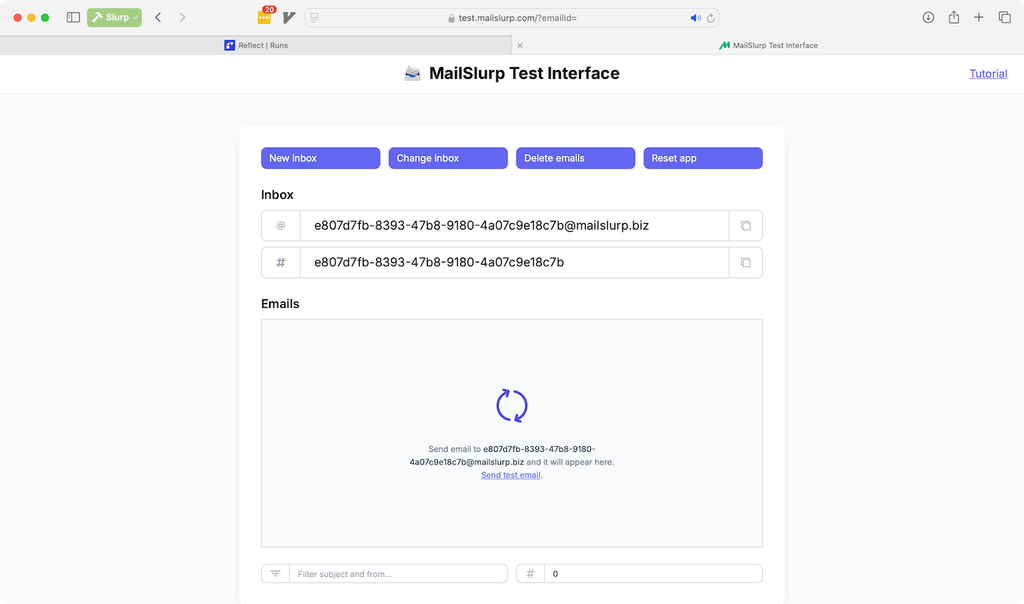
- Create a fresh inbox for this run.
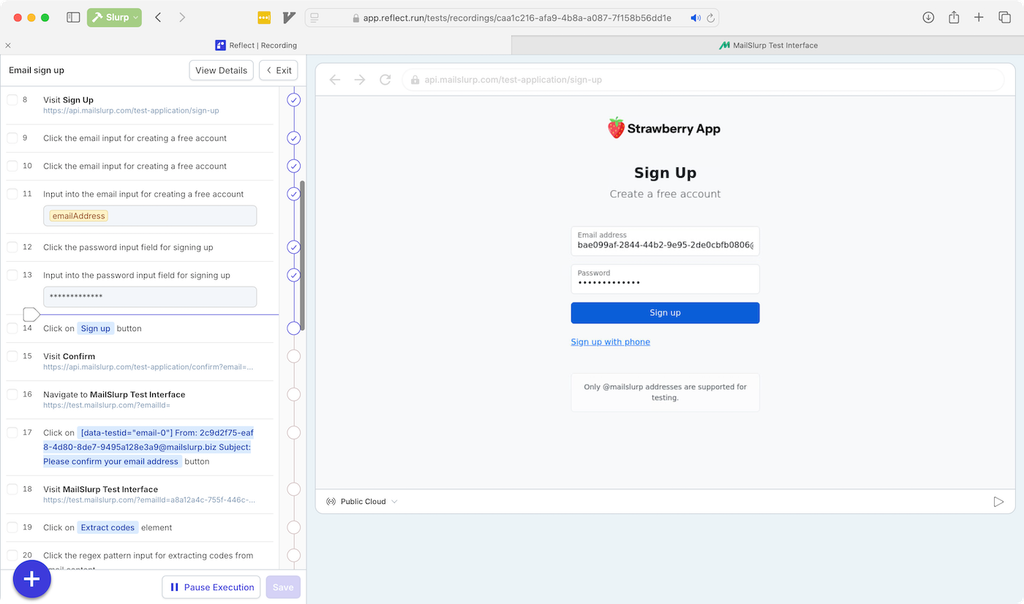
- Use Reflect to submit signup with that address.
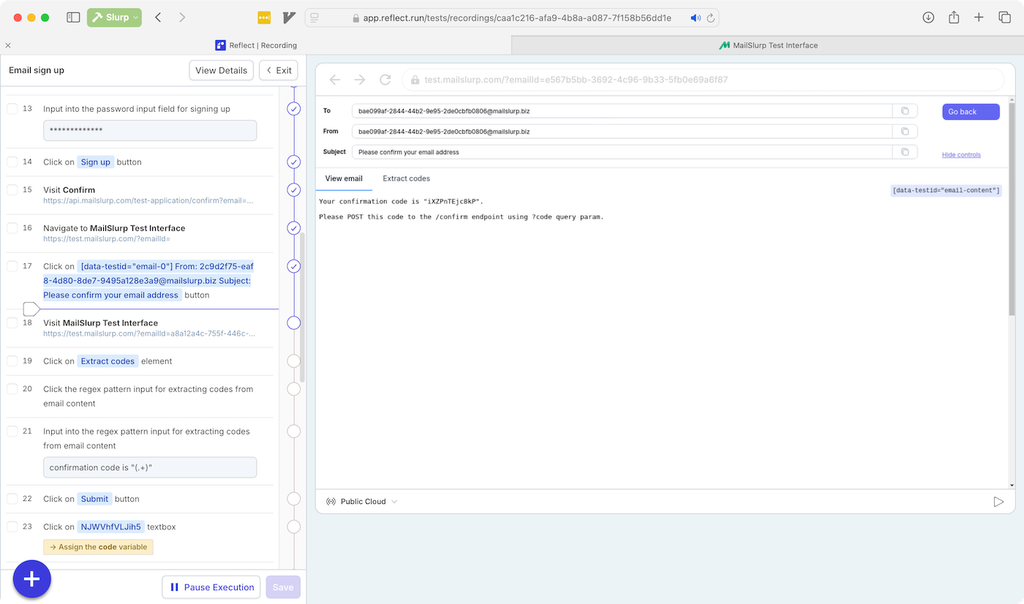
- Poll or wait for verification email via MailSlurp.
- Extract verification code or link from the email.
- Continue the Reflect flow and confirm activated state.
This removes the common blind spot where teams only test form submission and not actual message behavior.
Demo resources
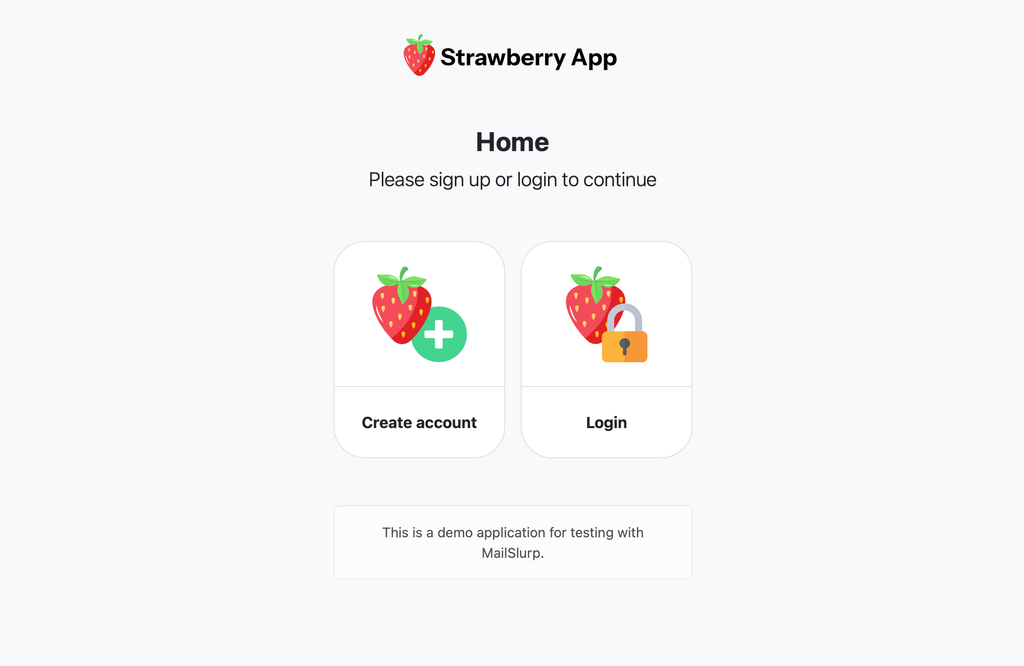
For a sample journey, use https://api.mailslurp.com/test-application.
Assertions worth keeping in your baseline
- Sender identity and environment routing correctness.
- Subject and template variant correctness.
- Verification token format and expiry behavior.
- Maximum acceptable email delivery latency.
Failure drills to add once baseline is green
- Delayed delivery simulation: verify timeout behavior is explicit.
- Broken-link simulation: assert activation fails for malformed links.
- Wrong-template simulation: ensure mismatch is caught before release.
- Parallel-run simulation: confirm inbox isolation avoids cross-test leakage.
These drills improve confidence more than adding extra happy-path checks.
Related routes
- Email testing workflow hub
- Email integration testing
- How to test emails in development
- Email deliverability test
For implementation details and SDK references, see MailSlurp developer docs.