

View your Kit Broadcasts on real email clients
Compare Gmail, Outlook, Yahoo, Apple Mail, iPhone, Android, and dark mode at a glance.
MailSlurp shows each Broadcast on readers' real devices and flags a bad trip to spam.

 Kit email preview
Trusted by top companies worldwide






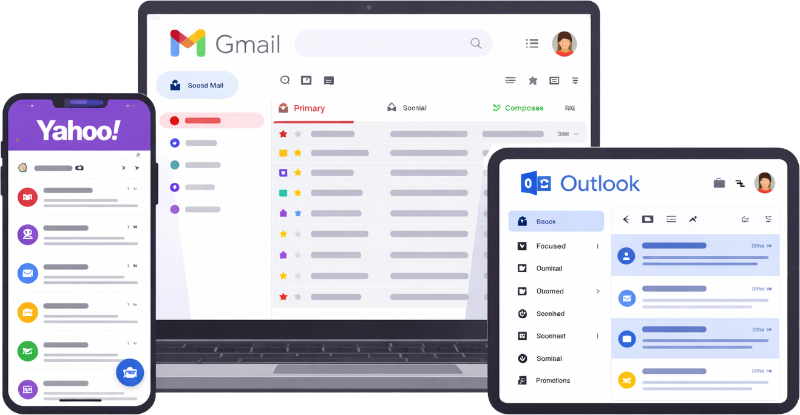
Catch narrow columns, oversized images, weak dark-mode contrast, and buttons that are hard to tap in the email Kit actually sends.
Compare Gmail, Outlook, Yahoo, Apple Mail, iPhone, Android, and dark mode at a glance.

Spot dead buttons, missing assets, clipped layouts, and awkward mobile stacking before launch.

Fix the friction before it costs a click—or a sale.
See your delivered Kit campaign across iPhone, Android, Windows, Mac, Gmail, Outlook, Yahoo Mail, and Apple Mail—including light and dark mode.
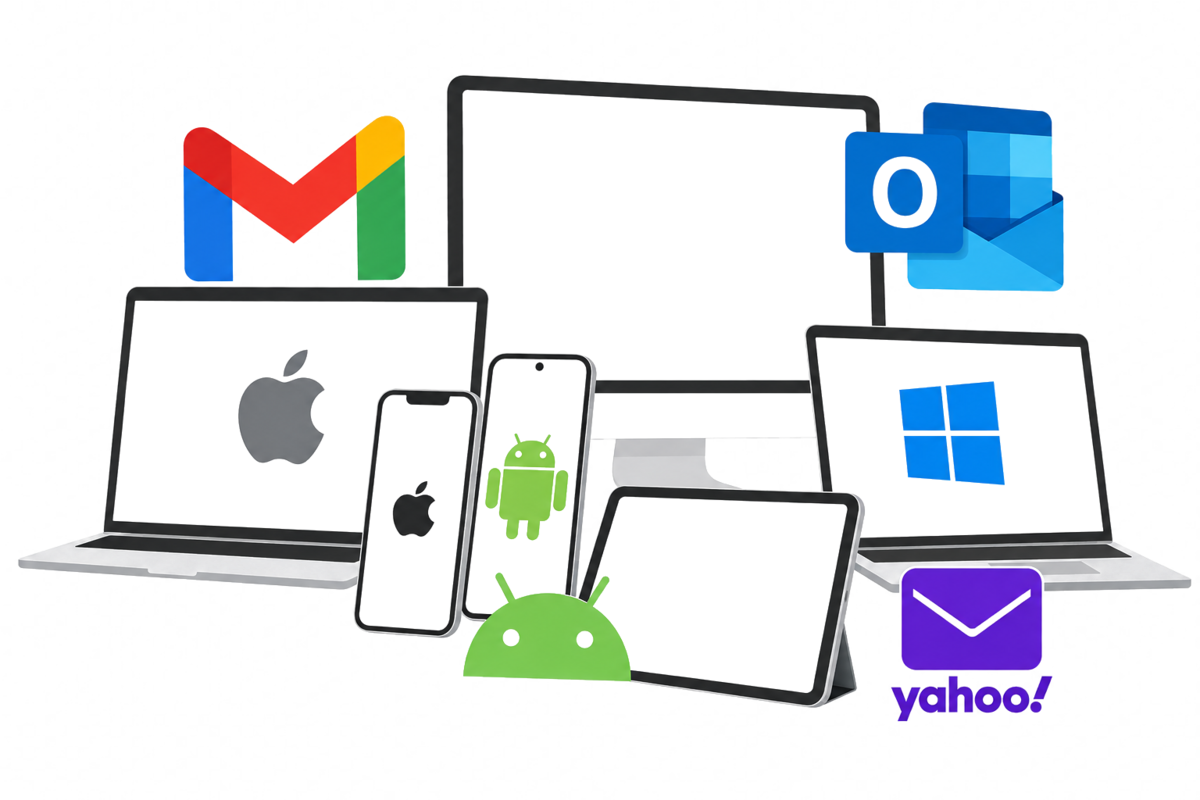
Client and device previews
Review the campaign across supported email clients and configured render targets, compare results, and inspect the source HTML before the Kit send reaches customers.
Choose the clients, send one Kit test, and fix anything that looks wrong.
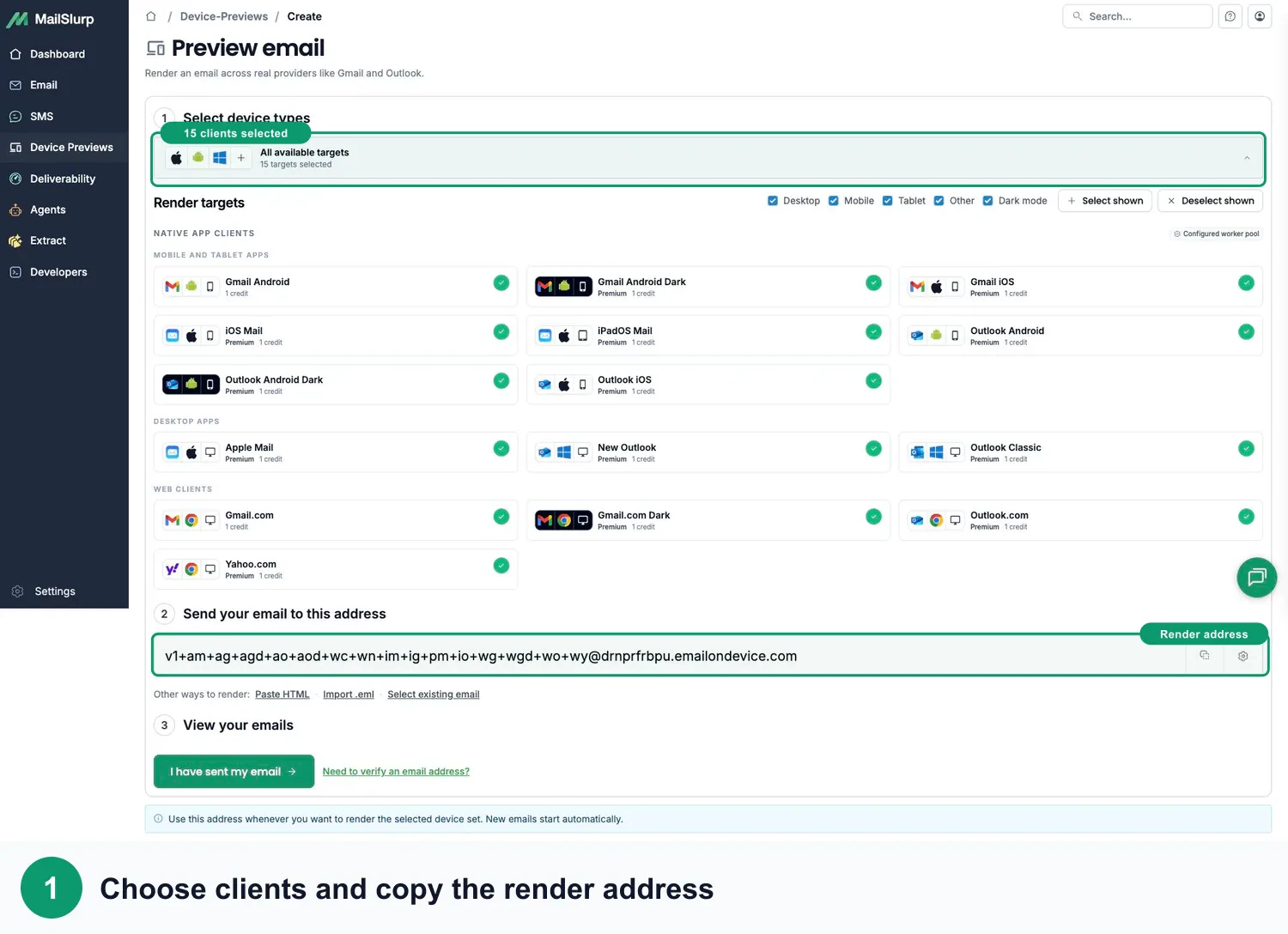
Pick the email apps, devices, and dark-mode views your customers use.
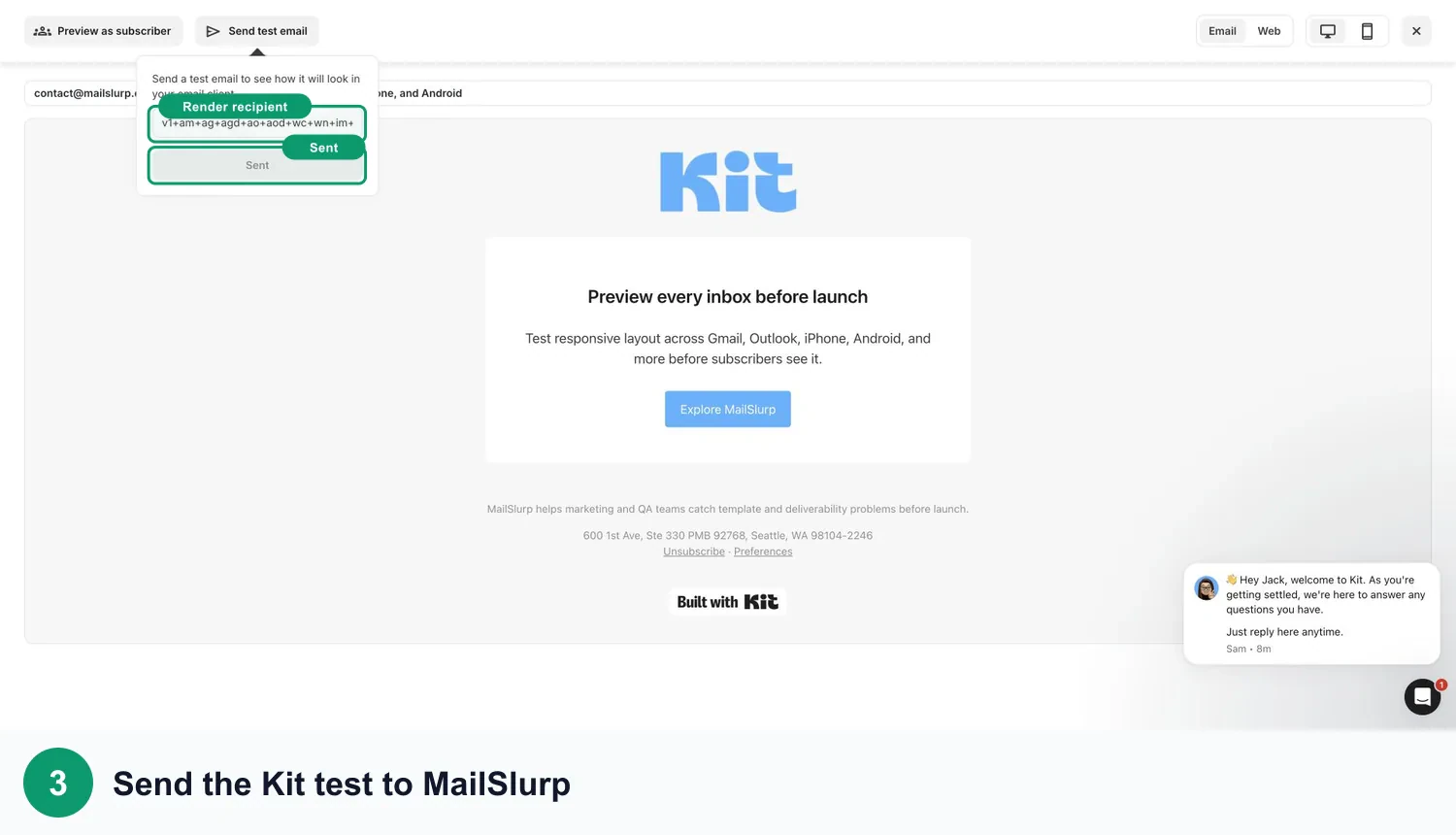
Send the finished campaign to your MailSlurp render address.
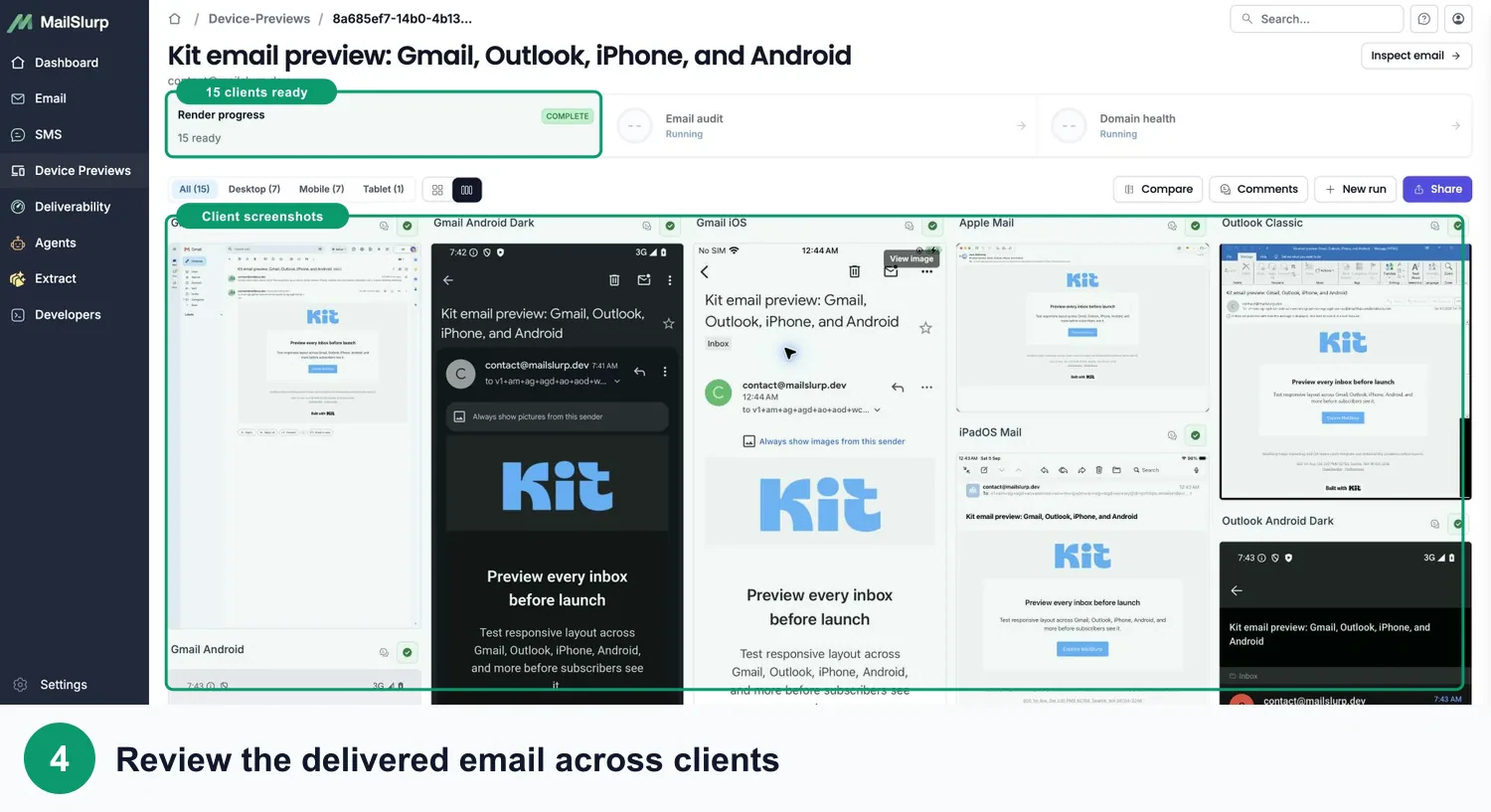
Compare every preview, make the fix, and send with confidence.
Campaign approval
Send render updates to Slack or Microsoft Teams, then open the same shareable result to review Gmail, Outlook, Yahoo, mobile, and dark mode before launch.
# campaign-qa
Email launch reviews · 12 members

Maya
What do you think about these mobile previews?
app.mailslurp.com/device-previews/8edc1b89...

Kit mobile render
iOS Mail · delivered email
Send a separate test to MailSlurp's Gmail, Outlook, and Yahoo seed inboxes so you can spot spam, tab, or missing placement before sending to your audience.
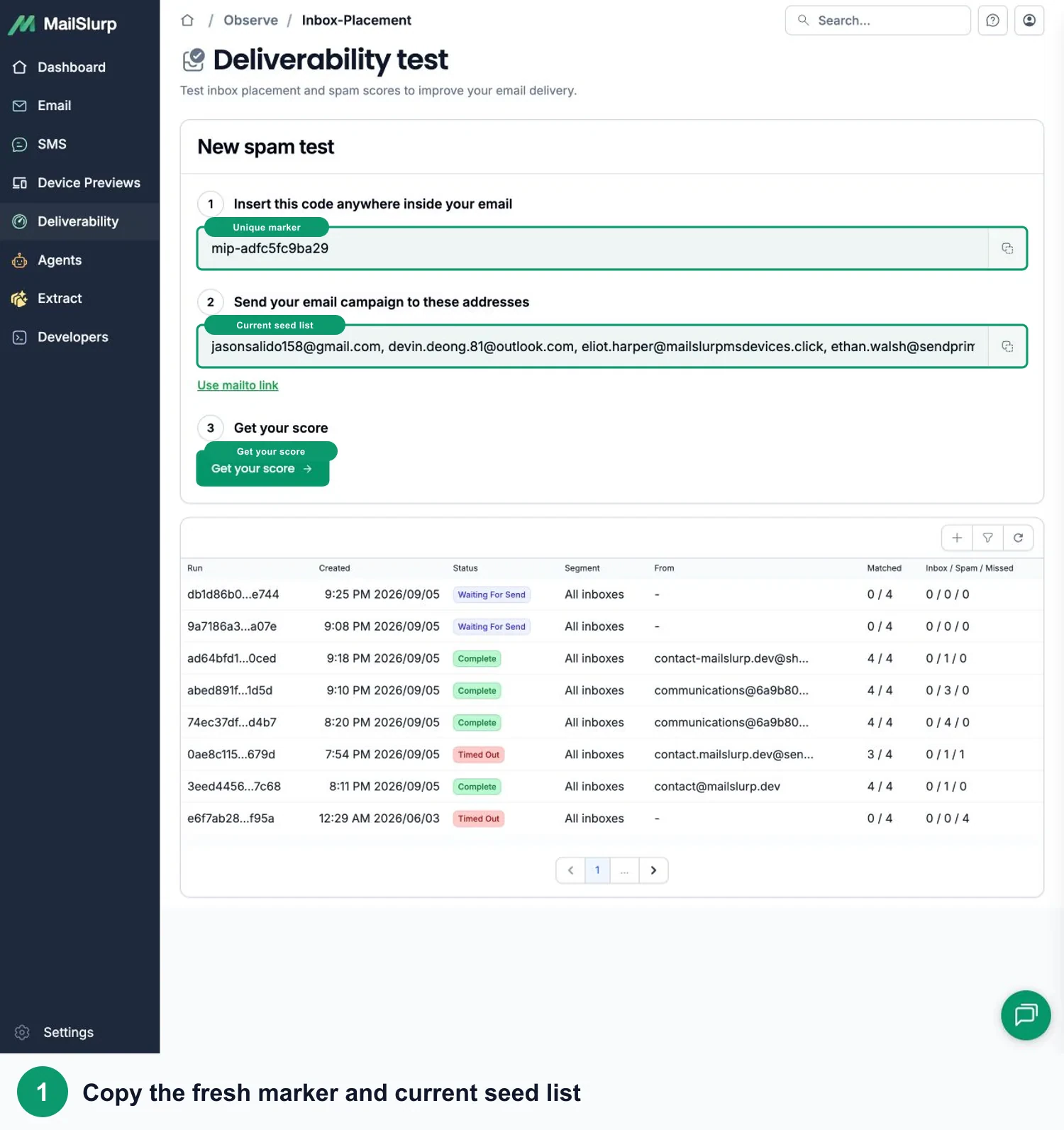
Start a new MailSlurp inbox placement test. Copy its marker and current Gmail, Google Workspace, Outlook, Microsoft 365, and Yahoo test addresses.
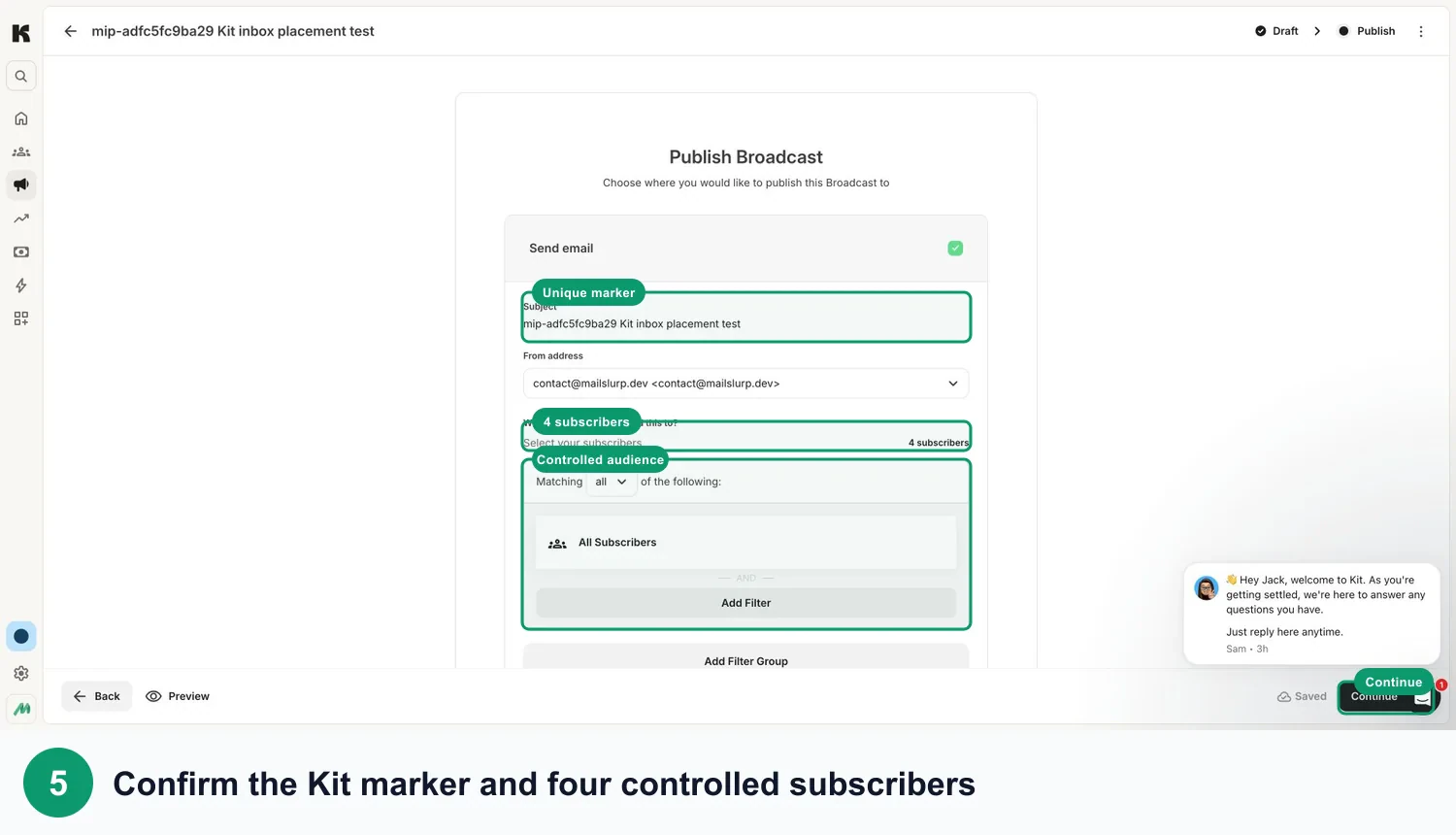
Import the current recipients under a dedicated Kit tag, add the exact marker to the Broadcast, and send only to that tagged audience.
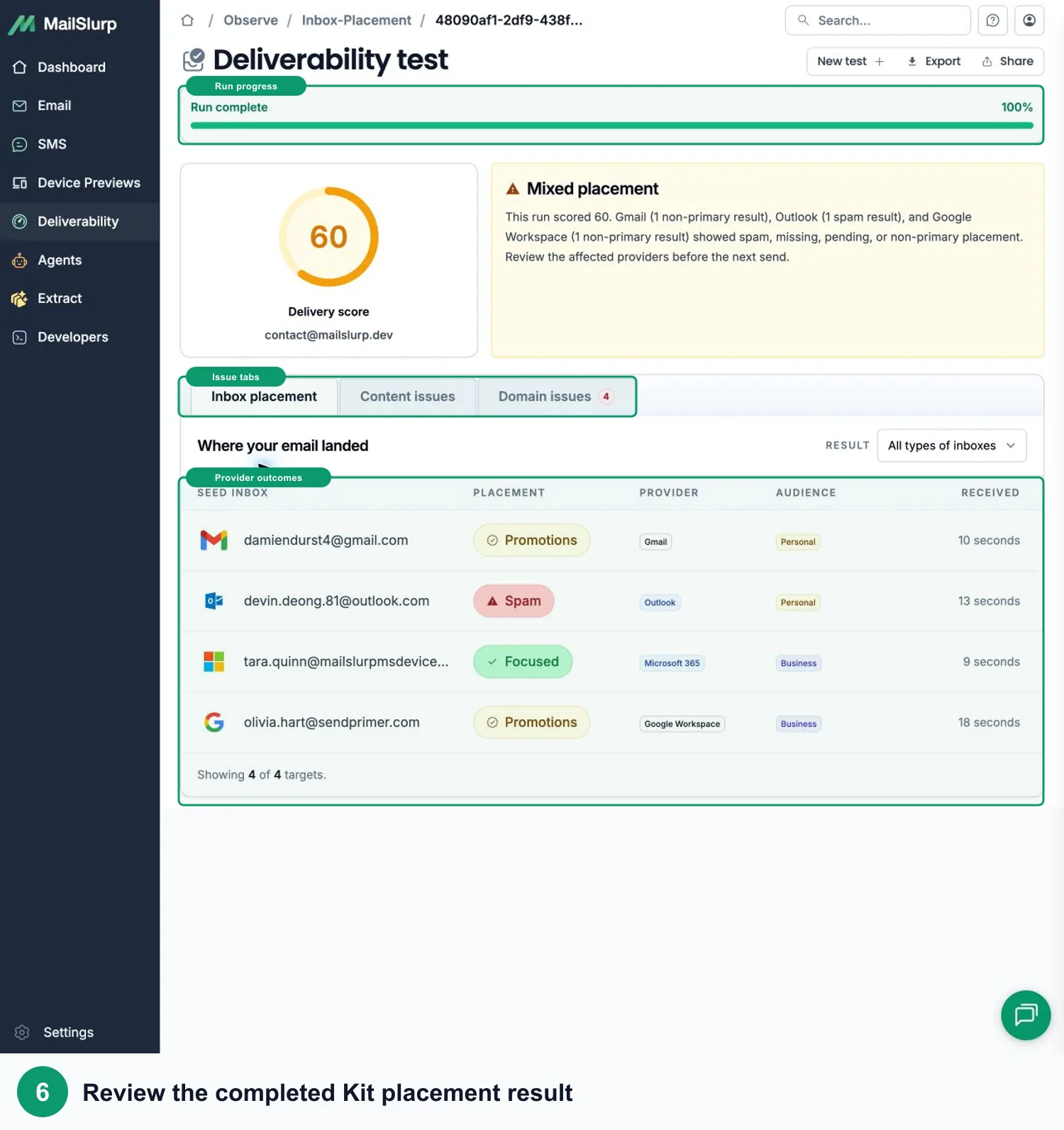
Check inbox, tab, spam, and missing results, then review content and sending-domain findings before the full send.
Combine observed mailbox placement with the delivered Kit email, client rendering, sender authentication, and content checks so the next fix is based on evidence.

Confirm whether the campaign reaches inbox, promotions, spam, junk, or goes missing across personal and business mailboxes.
Preview the same delivered email across Gmail, Outlook, Yahoo, Apple Mail, mobile, desktop, light mode, and dark mode.
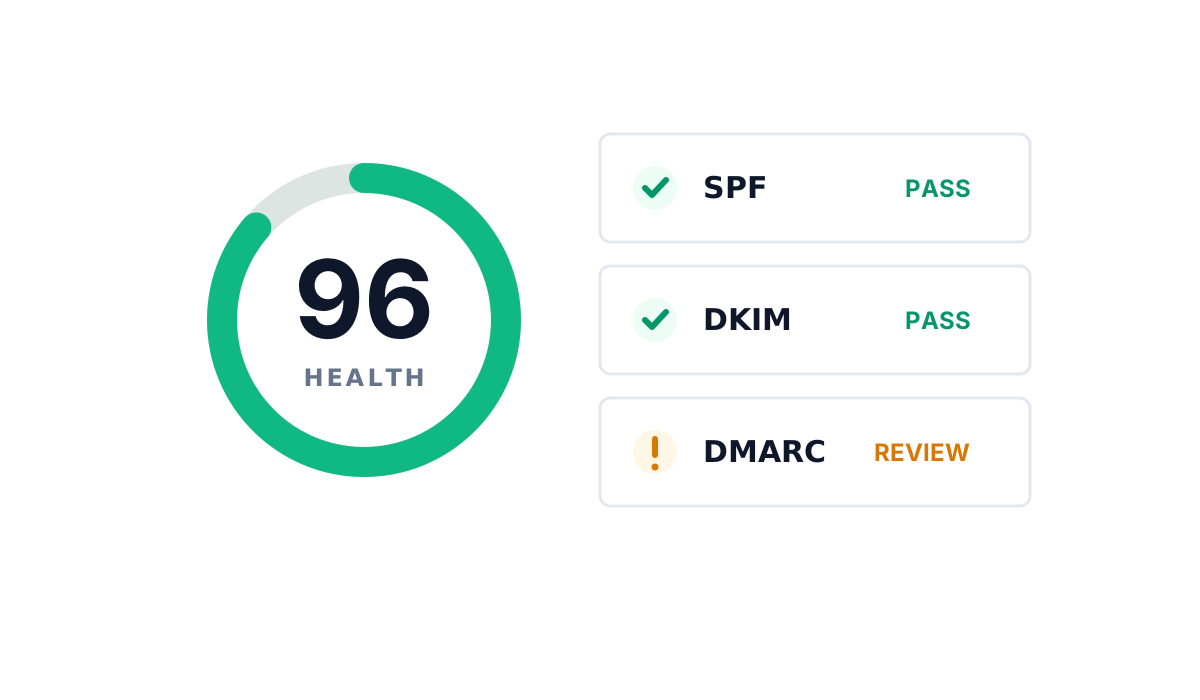
Track SPF, DKIM, DMARC, MX records, reputation signals, blocklists, and domain changes alongside each send.

Catch broken links, missing images, unsupported markup, and content warnings in the exact campaign sent for preview.
Practical answers for checking a Kit email before the full send.
Create a MailSlurp device preview, choose the clients and dark-mode views your audience uses, and send the finished Kit test email to the render address. MailSlurp then shows the delivered message in every selected client. Follow the Kit device preview guide.
Yes. The preview starts from the delivered test message, including its HTML, hosted images, links, footer, and campaign content.
Yes. Start a separate inbox placement test, use its current test addresses and exact marker, send the campaign, and check inbox, tab, spam, content, and sending-domain results in MailSlurp. Open the Kit inbox placement guide.
No. Device previews show how the delivered email looks. Inbox placement shows which folder receives it. Run both before an important send.
Run the checks again after changing copy, images, personalization, layout, links, tracking, sender details, footer content, audience, or campaign settings.
Kit
Review the delivered design and inbox placement before subscribers open it.
Free to start. No credit card required.