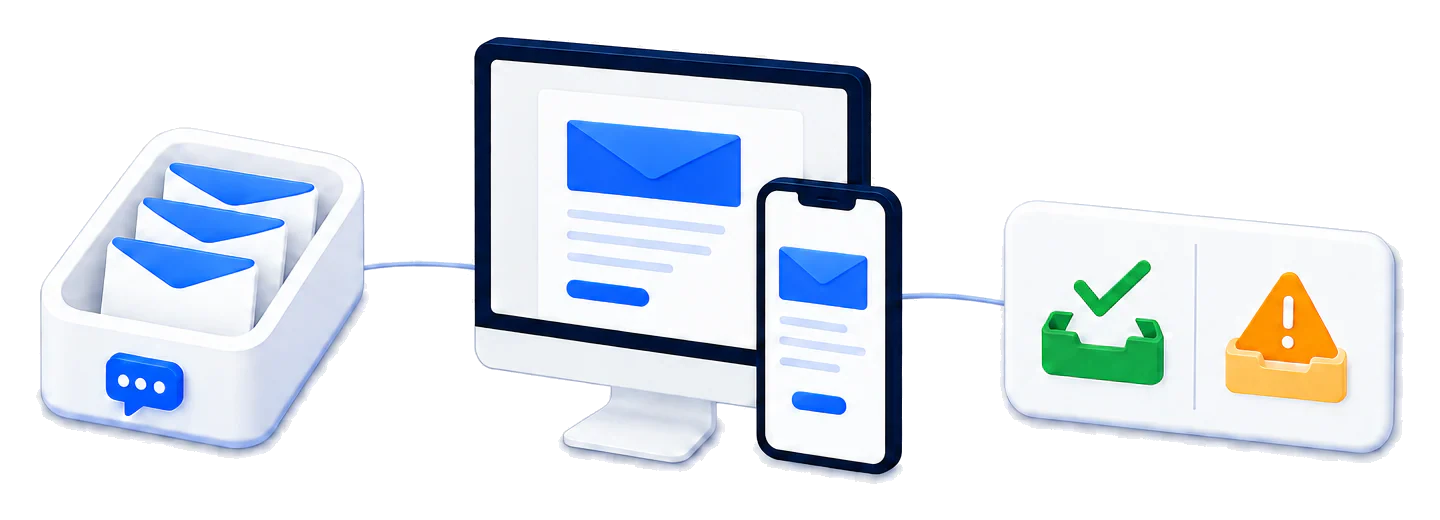
Run tests safely in parallel
Create one address per worker so concurrent signup and recovery tests never consume another run's email.
Create a fresh private inbox for every Playwright, Cypress, QA, or CI run. Receive real emails, extract verification links and OTP codes, and remove shared-mailbox failures from your test suite.
Trusted by top companies worldwide






Provision an isolated email address for each test, worker, or customer journey. Signup, password-reset, invitation, and notification emails arrive in the inbox owned by that run, so parallel tests can execute without collisions.

Create one address per worker so concurrent signup and recovery tests never consume another run's email.
Match the sender, subject, unread state, and time window, then inspect delivered files such as YourDelivery PDFs.
Extract the link or code and complete the same signup, login, invitation, or reset flow in the browser.
Give Claude, ChatGPT, Gemini, Copilot, and your own agent runtime scoped access to real test inboxes through MailSlurp.

Use real delivered email to verify the complete application flow, not only whether a template or send call succeeded. Watch a Playwright test create an inbox, trigger the message, and continue the browser journey.
Extract a reset URL or one-time sign-in link and finish the browser journey before it expires.
Confirm that order, account, billing, and status events send the correct email to the expected recipient.
Assert sender, subject, HTML, links, codes, headers, and attachments using the email that actually arrived.

MailSlurp gives your team account-owned inboxes. Tag each inbox by environment and test, set its expiry, and add teardown that deletes it after the assertions. Keep the evidence you need before cleanup.
Control inbox access through your MailSlurp account and API credentials rather than a public mailbox URL.
Schedule inbox expiry, then manage retained messages and explicit deletion as separate cleanup steps.
Keep the permitted message evidence with your test result before deletion. Store IDs for correlation without putting reset tokens in general logs.
Provision a private inbox for the current test, submit its address through your application, wait for the matching message, and extract the verification link or code. Use MailSlurp from the framework and language your suite already runs.
Use a private, API-controlled address to test the real email sent by your application. Each test owns the inbox, the delivered message, and the cleanup policy.
A disposable email API creates a real email address on demand and gives software access to every message it receives. With MailSlurp, a test can create the address, receive email from your application, read the HTML and text, extract links or OTP codes, inspect attachments, and delete or expire the inbox when the run ends.
Create a MailSlurp inbox at the start of the test and assign its address to one CI worker or browser session. Use bounded wait methods to receive the expected sender, subject and request window without fixed sleep delays. Set an expiry at creation, then run explicit cleanup after the assertion completes. The test-address guide explains that lifecycle.
Use the MailSlurp client or Cypress plugin to create an inbox before the browser journey, enter its address, and wait for the delivered message. Extract the verification link, magic link, password-reset URL, or OTP code and continue the same test with the Playwright guide, Cypress guide, or Selenium example.
Public temporary-email sites can reuse addresses and expose mail through a shared web page. MailSlurp inboxes belong to your account, are protected by API credentials, can be tagged to a test or environment, and support explicit retention so parallel tests do not read another run's messages.
Create a private disposable inbox inside the test, trigger the customer journey, wait for the delivered message, and continue in the same browser session.

Use the MailSlurp client with Playwright to create an inbox, match the signup or reset email, extract its link or OTP code, and finish the browser test.

Use the MailSlurp Cypress plugin or JavaScript client to isolate each test inbox, open the delivered email, and assert links, codes, sender, subject, and content.

Create a real test address with the Java, C#, Python, or REST client, receive the confirmation email, and pass the extracted code back to Selenium WebDriver.
Create private test inboxes, receive real delivered messages, and control the complete lifecycle from code.
A disposable email API creates private email addresses from code for tests and automated workflows. Each inbox can receive real email, wait for a matching message and expose its content through an API. Set an expiry when you create it and add a cleanup step for the end of the test. Read the inbox API documentation.
Yes. A test can create its own MailSlurp inbox before signup, password reset, invitation, or notification steps. Parallel workers can use separate addresses so messages and assertions never share mailbox state. Explore email integration testing.
Create a disposable inbox, enter its address in the browser flow, wait for the delivered email through the MailSlurp API or Cypress plugin, extract the required link or code, and continue the browser test in the same run. Read the Playwright email guide. Read the Cypress email guide.
Yes. MailSlurp receives the real message sent by your application, then lets the test extract an OTP, confirmation code, magic link, reset URL, sender, subject, headers, body content, and attachment metadata. See authentication testing workflows.
Yes. MailSlurp inboxes are controlled through your account and API credentials. They are designed for private testing and automation rather than public shared-inbox access.
Yes. Set an expiry when creating the inbox. MailSlurp periodically archives inboxes whose expiry time has passed, closing them to further sending and receiving. Manage retained messages and explicit deletion separately. For a failed test, keep the permitted evidence before cleanup; an ID alone does not preserve deleted content. Compare temporary email lifecycle options.
Yes. MailSlurp provides real phone numbers that tests can control through the dashboard and API. Receive SMS messages, verify OTP and MFA flows, and isolate each automated test run alongside disposable email inboxes. Explore programmable phone numbers for SMS testing.
Develop and test real messaging flows, preview emails on real devices, protect deliverability, and connect AI agents—all from one platform.