
blog
Email Header Analyzer: How To Read Email Headers and Debug Delivery
Learn how to use an email header analyzer to read raw email headers, investigate SPF, DKIM, DMARC, routing delays, and spoofing issues, and debug real email incidents faster.
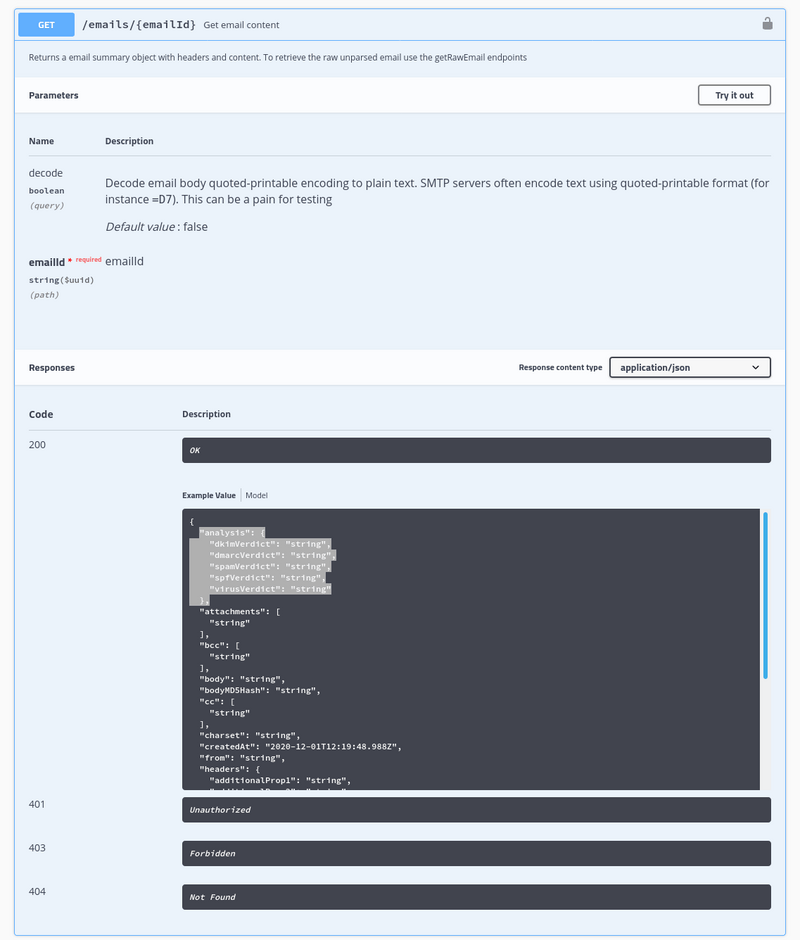
If you searched for email header analyzer, how to read email headers, or email headers, you are usually trying to answer one practical question: what actually happened to this message?
Headers are the message audit trail. They show sender identity, routing hops, auth checks, and timing. A good email header analyzer makes that evidence readable enough to use during delivery triage, spoofing investigation, and sender-auth debugging.
Quick answer
An email header analyzer helps you:
- inspect SPF, DKIM, and DMARC outcomes
- trace the
Receivedhop chain - compare the visible sender with the envelope sender
- spot delays, misrouting, or suspicious relays
- connect a delivery complaint to actual message evidence
If you only inspect three fields, start with:
Authentication-ResultsReceivedDKIM-Signature
What an email header analyzer does
A header analyzer takes raw RFC 822 style message headers and makes the important fields easier to interpret.
That matters because raw source is powerful but messy. A useful analyzer helps you:
- normalize the main fields
- show pass or fail outcomes clearly
- reveal timing gaps between mail hops
- highlight domain alignment problems
- separate real issues from harmless header noise
Where to get email headers
Most mail clients hide full headers by default.
| Client | How to view headers |
|---|---|
| Gmail | Open message -> More -> Show original |
| Outlook desktop | File -> Properties -> Internet headers |
| Outlook web | Open message -> More actions -> View message source |
| Apple Mail | View -> Message -> Raw Source |
| Yahoo | Open message -> More -> View raw message |
Once you copy the raw source, you can paste it into an email header analyzer or inspect it directly.
The most important email headers
| Header | What it tells you |
|---|---|
From |
Visible sender identity shown to the recipient |
Return-Path |
Envelope sender used for bounces |
Message-ID |
Unique identifier for traceability |
Received |
The route taken between servers |
Date |
Claimed send timestamp |
Authentication-Results |
SPF, DKIM, and DMARC verdicts |
DKIM-Signature |
Signing domain and selector details |
Reply-To |
Where a reply will actually go |
Content-Type |
MIME structure and message format |
Which header fields matter for which problem
Match the fields to the incident you are investigating.
| Problem | Fields to inspect first |
|---|---|
| SPF or DKIM failure | Authentication-Results, DKIM-Signature, Return-Path, From |
| DMARC alignment issue | Authentication-Results, From, Return-Path, DKIM-Signature |
| Delivery delay | Received, Date, provider transit headers |
| Suspected spoofing | Authentication-Results, Received, Reply-To, Return-Path |
| Wrong reply destination | Reply-To, From, Return-Path |
Example email header
From: Product Team <updates@example.com>
Return-Path: <bounce-123@example.com>
Message-ID: <abc123@example.com>
Received: from mail1.example.com (mail1.example.com [203.0.113.10])
        by mx.recipient.com with ESMTPS id 12345
Authentication-Results: mx.recipient.com;
        spf=pass smtp.mailfrom=example.com;
        dkim=pass header.d=example.com;
        dmarc=pass header.from=example.com
That small sample already answers four key questions:
- who claimed to send the message
- which infrastructure handled it
- whether auth checks passed
- whether the visible sender aligned properly
How to read the Received chain
The Received headers are the most useful timing and routing evidence in the message.
Read them from bottom to top to reconstruct the earliest hop first and the most recent hop last.
That helps you answer:
- where delay was introduced
- whether the route is expected
- whether there was an unusual relay or forwarding step
- whether a loop or handoff problem occurred
If one hop has a much larger timestamp gap than the others, that is usually where the investigation should continue.
How to read SPF, DKIM, and DMARC from headers
The fastest place to check is usually Authentication-Results.
Look for:
spf=passorfaildkim=passorfaildmarc=passorfail
Do not stop at the verdict word. Also check the associated domains:
- does SPF pass for the expected envelope sender?
- does DKIM sign with the expected domain and selector?
- does DMARC align with the visible From domain?
A pass can still be operationally weak if it is not aligned with your intended sender setup.
Practical email header analyzer workflow
Use this sequence:
- confirm the visible sender in
From - inspect
Authentication-Results - compare
Return-Pathwith your expected sending domain - inspect the
DKIM-Signatureselector and domain - read the
Receivedchain for timing and route - match the
Message-IDagainst provider logs or webhook events
This is the fastest route from "the email looked wrong" to "this field explains the failure."
Email header analyzer versus DNS checkers
A DNS checker tells you what should be configured.
An email header analyzer tells you what happened to a message that was actually sent.
Use DNS tools when you need to confirm:
- SPF records
- DKIM selectors
- DMARC policy records
Use header analysis when you need to confirm:
- whether the message authenticated correctly
- whether domains aligned correctly
- where a delay or route issue happened
- whether a suspicious message really came from the claimed sender
In real incidents, you usually need both.
Common header-analysis patterns
SPF pass, DKIM fail
Usually points to a signing issue, wrong selector, or message modification after signing.
DKIM pass, DMARC fail
Usually means alignment failed between the signing domain and the visible From domain.
Message arrived very late
Look for a large timestamp gap in the Received chain.
The sender looks suspicious
Compare From, Reply-To, Return-Path, and auth results. Mismatched domains plus failed auth is a common spoofing pattern.
Mistakes people make when reading email headers
Looking only at From
The visible sender is not enough to confirm where a message really came from.
Reading Received headers in the wrong direction
That makes the route timeline harder to interpret.
Treating one auth result as enough
SPF, DKIM, and DMARC should be read together.
Ignoring the real message in favor of DNS alone
DNS records tell you what should happen. Headers show what actually happened.
When to analyze headers before release
Header analysis is not only for incident response. It is useful before launch when:
- changing sender domains
- switching providers
- introducing new routing rules
- enabling DKIM or DMARC changes
- ramping volume on a new stream or subdomain
Helpful related tools:
How MailSlurp helps
MailSlurp helps teams move from message evidence to action.
Use:
- Email header analyzer to inspect raw headers
- Email spam checker for additional pre-send diagnostics
- DMARC, SPF, DKIM monitoring to watch sender health continuously
- Email deliverability test when you want a broader release-readiness check
If you want those checks in one workflow, create a free account at app.mailslurp.com.
FAQ
What is an email header?
An email header is metadata attached to a message that describes sender identity, routing, authentication, and message structure.
How do I read email headers?
Start with Authentication-Results, then inspect Received, DKIM-Signature, Return-Path, and Message-ID.
What does an email header analyzer do?
It makes raw headers easier to read so you can debug authentication, routing, delays, and spoofing faster.
Can email headers help detect spoofing?
Yes. Failed auth, mismatched domains, and suspicious relay paths are common indicators.
Why are headers useful for deliverability debugging?
Because they show direct evidence of auth status, hop timing, and the infrastructure that handled the message.
Final take
Email headers are not just technical clutter. They are the evidence behind sender trust, route integrity, and delivery behavior. Teams that can read them well debug incidents faster, validate releases more safely, and make better sender-auth decisions.