
guides
HTML Email Spacing: Better Alternatives to Random NBSP Hacks
Learn how to create reliable spacing in HTML email across Outlook, Gmail, and mobile clients using padding, tables, line height, spacers, and QA checks.
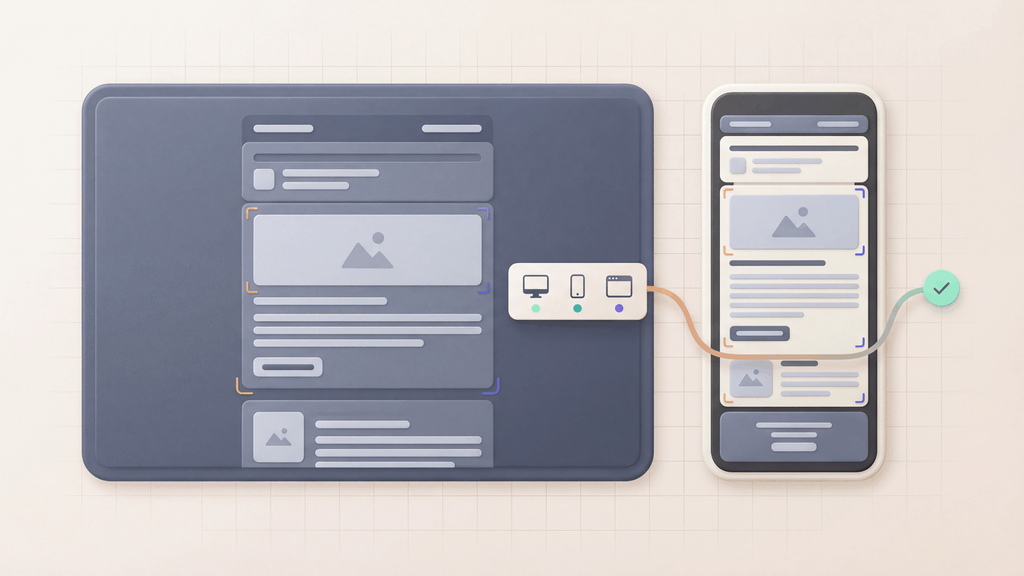
HTML email spacing is harder than web spacing because email clients do not agree on modern CSS support. Outlook, Gmail, Apple Mail, and mobile clients can treat margins, line height, table cells, images, and whitespace differently.
That is why random fixes usually create the next bug. Good email spacing uses predictable layout patterns and then verifies the received message in real clients.
Quick answer
For reliable HTML email spacing:
- Prefer table structure for major layout spacing.
- Use padding on stable containers instead of relying on margins.
- Set line height explicitly for text.
- Use spacer rows or cells only when needed.
- Use
only for short non-breaking tokens, not layout. - Test in Outlook, Gmail, and mobile clients before release.
Use Email feature compatibility table to check feature support and Email client testing to confirm the final message.
For a quick visual pass, send the final message to Free email render. For repeatable review across Gmail, Outlook, iPhone, Android, desktop, light mode, and dark mode, use MailSlurp device previews.
Why spacing breaks in HTML email
Spacing breaks because email clients are not browsers.
Common causes:
- Outlook uses Word-based rendering in some clients.
- Gmail strips or rewrites some styles.
- margins collapse or disappear in unexpected places.
- dark mode changes backgrounds and borders.
- images introduce gaps when
displayand alignment are not controlled. - copied rich text introduces hidden characters.
- responsive styles are only partly honored.
If the template is business-critical, test the sent email, not only the local HTML file.
Padding vs margin in email
In normal web development, margin is often fine. In HTML email, padding is usually safer.
| Method | Best use | Risk in email clients |
|---|---|---|
| Padding | inner spacing inside table cells or blocks | usually safer when applied to stable table/cell containers |
| Margin | simple text spacing in tolerant clients | can be ignored, collapsed, or behave inconsistently |
| Spacer row | vertical gaps between table sections | reliable but can become noisy if overused |
| NBSP | keeping short token pairs together | bad for layout; can create mobile wrapping problems |
Use padding for layout. Use only when two tokens must stay together, such as Order #12345 or 10 minutes.
For the character-level version, see NBSP HTML entities and NBSP in HTML emails.
Reliable spacing patterns
Section spacing with table cells
<table role="presentation" width="100%" cellspacing="0" cellpadding="0">
  <tr>
    <td style="padding: 24px 32px;">
      <h1 style="margin: 0; font-size: 24px; line-height: 32px;">Confirm your email</h1>
      <p style="margin: 16px 0 0; line-height: 24px;">Use the code below to finish signing in.</p>
    </td>
  </tr>
</table>
The table provides structure. Padding creates the spacing. The heading and paragraph get explicit line-height so clients have less room to improvise.
Button spacing
<table role="presentation" cellspacing="0" cellpadding="0">
  <tr>
    <td style="padding: 16px 0 0;">
      <a href="https://example.com/confirm" style="display: inline-block; padding: 12px 18px;">
        Confirm email
      </a>
    </td>
  </tr>
</table>
Keep button spacing on the wrapper cell and the anchor. Avoid relying on margins around the link.
Token spacing with NBSP
<p style="line-height: 24px;">Your code expires in 10 minutes.</p>
<p style="line-height: 24px;">Order #A-1024 has been received.</p>
This is a good use of NBSP because the fixed token should not split awkwardly. It is not a substitute for section spacing.
Outlook-specific spacing issues
Outlook is often the client that exposes hidden layout assumptions.
Watch for:
- extra gaps below images
- table cell padding changes
- margins on paragraphs not behaving as expected
- line-height inconsistencies
- buttons losing their intended spacing
- dark mode changing borders or backgrounds that visually define space
When Outlook matters, use Outlook email templates and Email compatibility tester together. The goal is not perfect pixel parity. The goal is a readable, trustworthy message where CTAs and key data stay clear.
QA checklist for HTML email spacing
Before release, check:
- desktop Outlook
- Outlook web
- Gmail web
- Gmail mobile
- Apple Mail or iOS Mail if relevant
- dark mode on at least one major client
- image blocked state
- narrow mobile viewport
- long names, amounts, and localized strings
For transactional templates, add automated assertions:
- the CTA link exists
- the OTP or confirmation code is present
- the body has expected fallback text
- the final HTML does not include accidental
&nbsp; - no staging URLs are present
Use Email Sandbox and Email integration testing to make those checks repeatable. Use device previews when spacing needs visual evidence across real clients and devices.
Common anti-patterns
- adding many
characters to create horizontal layout - relying on CSS grid or flexbox for critical email layout
- using margins as the only spacing system
- copying from a document editor without cleaning markup
- testing in a browser but not the received email
- using image-only layout where text and CTAs disappear when images are blocked
Related guides
- NBSP HTML entities
- NBSP in HTML emails
- Free email render
- Device previews
- Send HTML email in Gmail
- Outlook email templates
- Dark mode email testing
- Email client testing
FAQ
Should I use margin or padding in HTML email?
Use padding on stable containers for layout. Margins can work in some clients, but they are less reliable across Outlook and webmail clients.
Is NBSP good for HTML email spacing?
Only for short non-breaking token pairs. Do not use repeated characters as a layout system.
How do I test spacing across email clients?
Send the final email to controlled inboxes and preview the received message across Outlook, Gmail, mobile, dark mode, and image-blocked states. Browser preview alone is not enough.