
blog
.EML Email Preview: Render Exported Emails Before Approval
Preview an exported .eml email across Gmail, Outlook, mobile, desktop, light mode, and dark mode using MailSlurp.
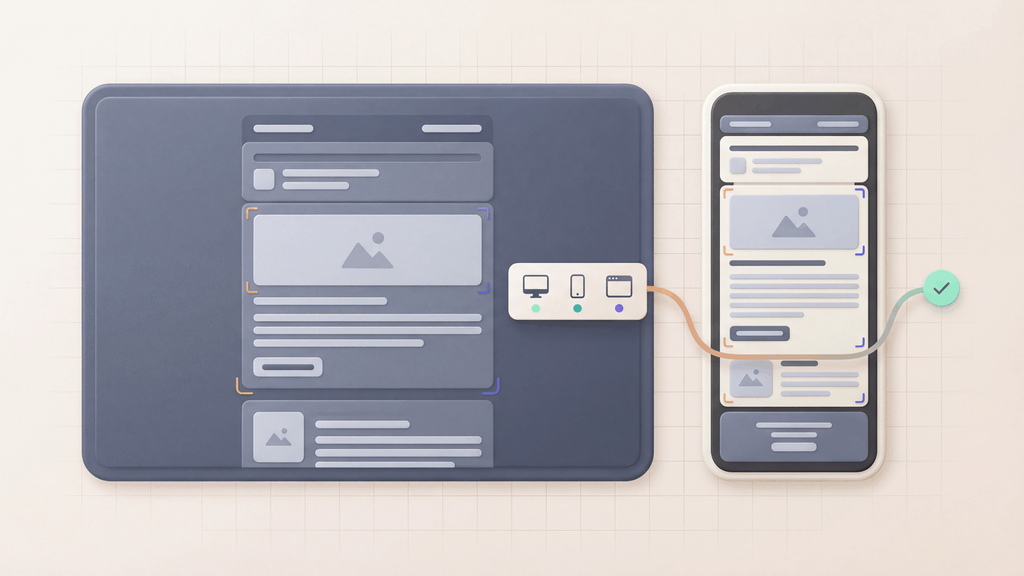
An .eml email preview lets you render an exported email file across real clients and devices before approval.
This is useful when the email was created outside MailSlurp: an ESP campaign, a mailbox export, a QA artifact, a staging system, or an internal approval tool. Instead of judging the template from a screenshot or raw HTML, you can upload the exported email and review the rendered result.
MailSlurp device previews support .eml import so teams can test Gmail, Outlook, mobile, desktop, light mode, and dark mode from the message file they already have.
Quick answer
Use .eml preview when:
- an ESP exports the final campaign email
- a stakeholder sends a message file for review
- QA captures the exact email generated by staging
- support needs to reproduce a rendering issue
- a template needs approval across clients
- a campaign agency or partner sends a finished email
- reviewers need a shareable render result
For simple one-off checks, use Free email render. For repeated .eml review, use device previews.
Why preview an .eml file?
An .eml file can preserve the final message structure better than a pasted HTML snippet.
It can include:
- headers
- subject and sender values
- MIME parts
- HTML and plain text bodies
- image references
- tracking links
- unsubscribe content
- ESP-generated changes
Rendering the .eml helps reviewers inspect the email closer to the form customers will receive.
How .eml import works in MailSlurp
- Export or download the email as an
.emlfile. - Open MailSlurp device previews.
- Choose the
.emlimport option. - Upload the file.
- Select the clients and devices to render.
- Review the result grid and share the output with reviewers.
Use this path when sending another test email would be slow, awkward, or disconnected from the artifact the team needs to approve.
If the team can send a fresh test email instead, a MailSlurp render address may be faster. Use .eml import when the exported file itself is the artifact that needs review.
What to inspect in an .eml preview
Review the customer-visible parts first:
- first screen and headline
- primary CTA
- layout width and mobile stacking
- images and fallback text
- links and tracking destinations
- footer and unsubscribe content
- dark mode and light mode behavior
- client-specific differences in Gmail and Outlook
If something looks wrong, fix the source template or campaign, export a new .eml, and rerun the preview.
.eml preview for campaign teams
Campaign teams often use .eml preview when the final email comes from an ESP or agency workflow.
The process is simple:
- Generate the final campaign email.
- Export the
.eml. - Upload it into MailSlurp device previews.
- Review the target client matrix.
- Share the result link for approval.
This gives reviewers a cleaner artifact than scattered screenshots and helps avoid approving a builder preview that is not the final message.
For shared sign-off, pair this page with the email preview approval workflow.
.eml preview for QA and engineering
QA teams can use .eml files as release evidence.
For example, a staging job can generate a password reset, billing notice, or onboarding email and save the message as .eml. The file can then be imported into MailSlurp for device rendering while inbox, link, and content assertions run separately.
That lets the release owner answer two questions:
- Did the workflow send the right email?
- Does the email render correctly where users open it?
What to read next
- Device previews
- Email preview API
- Email render address
- Email rendering QA checklist
- Email preview approval workflow
- HTML email preview
FAQ
What is an .eml email preview?
An .eml email preview renders an exported email file across mailbox clients and devices so reviewers can inspect the final message.
Can MailSlurp preview .eml files?
Yes. MailSlurp device previews support .eml import for rendering review.
Is .eml preview better than HTML preview?
They solve different moments. HTML preview is useful while building the template. .eml preview is useful when you need to review the exported or delivered email artifact.
Where should I start?
Use Free email render for a quick send-based check, or create a MailSlurp account for repeatable .eml device previews.