
blog
Email Preview API: Device Renders for CI and Releases
Use an email preview API workflow to render messages across clients and devices from CI, QA, and release tooling.
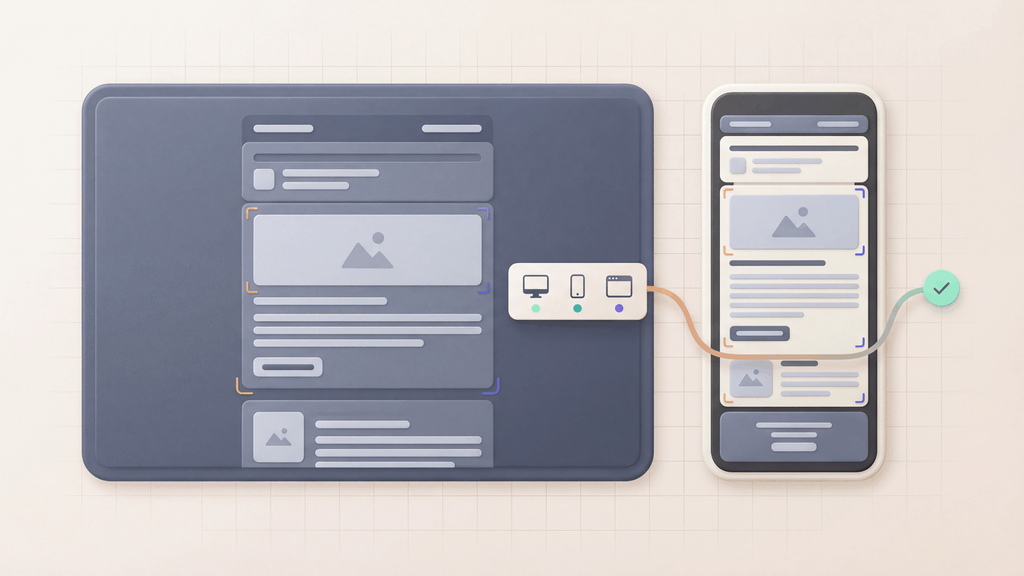
An email preview API turns device rendering into a repeatable workflow instead of a manual screenshot task.
That matters when email quality is part of product release. Signup, password reset, OTP, billing, account alert, and onboarding emails need to be correct every time. A manual preview can catch one issue once. An API-triggered preview can become part of the release path.
MailSlurp device previews support API-triggered render runs so teams can preview real emails across clients and devices before release.
Quick answer
Use an email preview API when:
- templates change often
- rendering should run in CI
- release owners need a result link
- staging emails should be reviewed automatically
- product email previews need to pair with inbox assertions
- campaign approval happens in internal tooling
- Slack or Teams notifications should announce render status
Use device previews for repeatable API workflows. Use Free email render when you only need a quick manual check.
What the API workflow should prove
An automated render workflow should answer:
- Did the app generate the expected email?
- Did MailSlurp receive it?
- Did the device preview run start?
- Are render results ready for the target clients?
- Does the release owner have a shareable result?
- Should the release continue or stop for review?
The API does not replace human judgment on visual quality. It makes sure the right visual evidence is generated at the right time.
A practical MailSlurp flow
A common flow looks like this:
- Create or choose a MailSlurp inbox for the test.
- Trigger the product flow that sends the email.
- Wait for the email in MailSlurp.
- Store the email ID.
- Create a device preview run for the desired clients.
- Poll for run status and results.
- Share the render result link with reviewers.
- Block or flag the release if the result needs review.
This works well for product emails because the rendered message is the same email produced by the app workflow.
For campaign workflows, the same pattern can start from a render address or .eml import. The important part is that the API stores the result where the team already tracks approvals.
Use an email render address when a team can send the final email more easily than it can call an API. Use .eml email preview when the exported file is the review artifact.
Where to use API-triggered previews
CI checks
Run previews after template changes, especially for critical messages. Store the render link with the build or release artifact.
Release approval
Trigger previews as part of a release checklist. The reviewer can open the result grid and inspect Gmail, Outlook, mobile, desktop, light mode, and dark mode.
Campaign tooling
If campaigns move through an internal approval tool, use the API to start a preview run after the final test email is generated.
Incident retests
When a customer-visible rendering issue is fixed, trigger a render run for the corrected email and attach the result to the incident follow-up.
Slack and Teams handoff
Use render notifications when the API creates work for a human reviewer. A channel message with the result link is easier to act on than a hidden build artifact.
What to include in the target set
Choose targets based on user risk:
- Gmail for consumer and Google Workspace-heavy audiences
- Outlook for B2B and Microsoft 365-heavy audiences
- iPhone and Android for mobile-heavy audiences
- dark mode for design systems with sensitive contrast
- desktop and webmail for approval and long-form content
The point is not to render every possible combination on every change. The point is to render the combinations that would make the release risky if they failed.
What to read next
- Device previews
- Email render address
- .eml email preview
- Email rendering QA checklist
- Email preview approval workflow
- Transactional email rendering
FAQ
What is an email preview API?
An email preview API triggers and retrieves email rendering previews programmatically, so teams can integrate visual checks into CI, QA, release, or campaign workflows.
Can MailSlurp trigger device previews from an API?
Yes. MailSlurp device previews support API-triggered render runs for automated email preview workflows.
Should API previews replace manual review?
No. API previews generate the evidence reliably. Human reviewers still decide whether the rendered email is ready for customers.
Where should I start?
Use Free email render for a quick manual test, then create a MailSlurp account when previews should run from CI or release tooling.