
blog
Transactional Email Rendering: Preview Resets, OTPs, and Billing
Preview transactional email rendering before release. Use MailSlurp for password resets, OTPs, invoices, alerts, and onboarding emails.
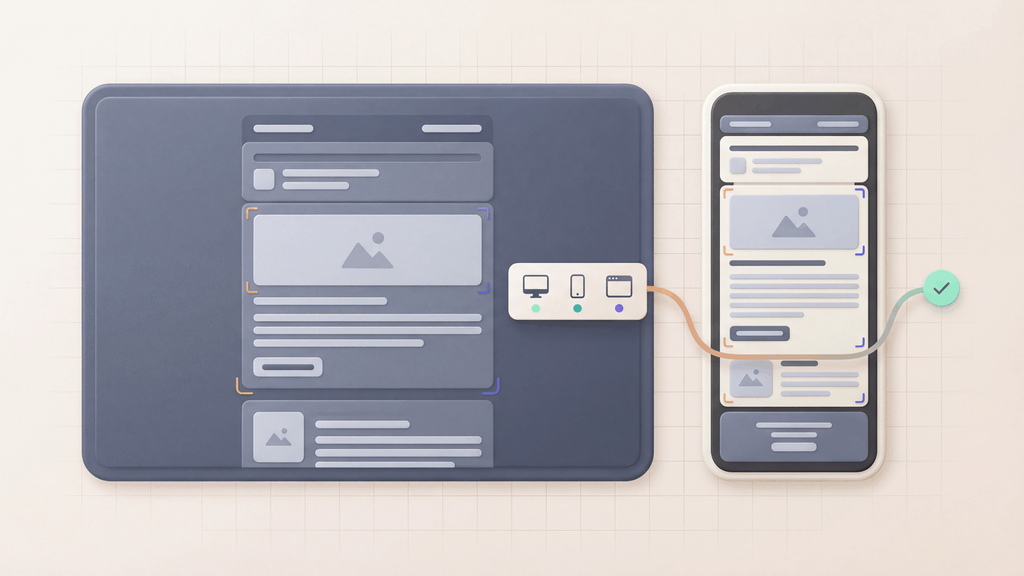
Transactional email rendering checks how product-critical emails appear after the real application sends them.
That includes password resets, magic links, OTPs, invoices, billing notices, account alerts, onboarding messages, and security notifications. These emails are not just announcements. They carry actions customers need to complete right away.
MailSlurp device previews help teams catch visual failures before release, then connect rendering review to inbox assertions, link checks, and automated email testing.
Quick answer
Run transactional email rendering checks when:
- a template changes
- a design system changes
- a new product flow launches
- localization or personalization is added
- a new billing or security email is introduced
- support reports that customers cannot use an email
- a release affects links, tokens, images, or layout
Use device previews for repeatable product workflows. Use Free email render for a fast one-off check.
Why transactional rendering matters
A transactional email can be delivered and still fail the customer.
Examples:
- a password reset CTA is too low on mobile
- an OTP code wraps onto two lines
- an invoice link loses contrast in dark mode
- a security alert is hard to read in Outlook
- a magic link points to the wrong environment
- a billing notice footer hides support information
- a long account name breaks the layout
Rendering checks catch the visible part. MailSlurp inbox and link assertions help prove the workflow still works.
The best test is the real workflow
Do not only paste the template into a browser preview.
Trigger the actual product flow in staging or pre-production. Let the app send the email. Receive it in MailSlurp. Then start a device preview from the received message.
That approach tests the email after the application has applied:
- tokens
- customer names
- environment links
- localization
- billing data
- security copy
- final sender details
The rendered result is more useful because it comes from the same path customers will use.
Transactional render checklist
Before release, confirm:
- The action is obvious in the first screen.
- Codes and links are readable on mobile.
- Buttons remain visible in dark mode.
- Long customer or organization names do not break layout.
- Images and logos have fallback behavior.
- Footer and support information remain accessible.
- Gmail and Outlook both render the message clearly.
- Link destinations match the intended environment.
If an email is security-sensitive or revenue-sensitive, pair the render result with email integration testing.
Where rendering fits in CI
For high-value product emails, make rendering part of release evidence.
A common flow:
- Create a test user or account state.
- Trigger the transactional email.
- Wait for the message in MailSlurp.
- Assert subject, recipient, link, and token content.
- Start a device preview run.
- Store the render result with the release.
This does not mean every commit needs a broad render matrix. Use the broadest preview for high-impact templates and narrower previews for routine changes.
Prioritize the messages with the highest cost of failure
Start with the emails that create account access, revenue, or support risk:
- password reset and magic-link emails
- OTP and MFA messages
- invoice and payment-failure notices
- account security alerts
- onboarding emails with activation CTAs
- plan-change and cancellation messages
These are the messages where a hidden CTA, unreadable code, broken link, or poor mobile layout can turn into a customer problem quickly.
What to read next
- Device previews
- Email preview API
- Email rendering QA checklist
- Email preview approval workflow
- Email integration testing
- Password reset email design
FAQ
What is transactional email rendering?
Transactional email rendering is how product-triggered emails appear in real clients and devices after the application sends them.
Can MailSlurp test password reset and OTP email rendering?
Yes. MailSlurp can receive product emails, run device previews, and pair rendering review with inbox, link, and content assertions.
Is rendering enough for transactional email QA?
No. Rendering proves the message looks right. Inbox assertions, link checks, and token checks prove the workflow works.
Where should I start?
Use device previews for repeatable product email QA, or Free email render for a quick preview. Create a MailSlurp account when transactional rendering belongs in your release workflow.