
blog
How to send a test email in Mailchimp and preview it like a QA team
Step-by-step Mailchimp test email workflow with a QA checklist for links, personalization, rendering, spam risk, and inbox behavior.
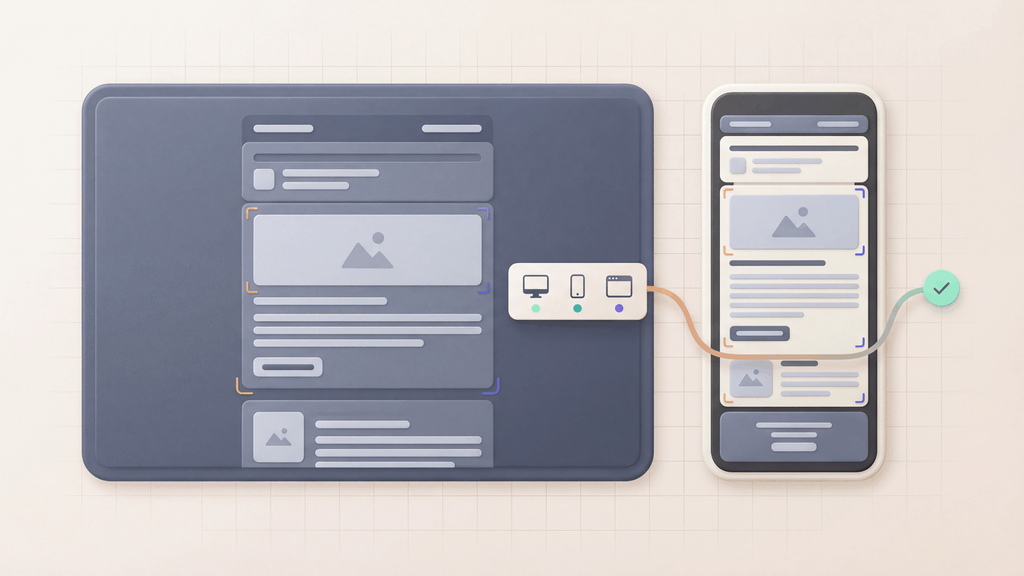
If you are asking how to send a test email in Mailchimp, the mechanical step is easy. The hard part is validating what happens after that send.
Quick answer: how do you send a test email in Mailchimp?
In Mailchimp:
- Open your campaign draft
- Use preview mode to inspect merge tags and layout
- Click Send a test email
- Send to controlled test inboxes
- Verify rendering, links, tracking, and spam signals before publish
Mailchimp test email workflow (practical version)
Step 1: Prepare controlled recipients
Do not send tests to personal inboxes only. Use purpose-specific addresses:
- Rendering inboxes (desktop/mobile clients)
- Link-validation inboxes
- Personalization-validation inboxes
- Deliverability-check inboxes
Step 2: Validate merge fields and conditional blocks
Before sending, confirm:
- All required merge tags resolve
- Fallback text exists for missing profile fields
- Conditional sections render as expected for key audience segments
Step 3: Send test email from Mailchimp
Trigger a test send and collect message IDs and timestamps for later comparison with event logs.
Step 4: Run the QA checklist
| Check | What to verify | Fail condition |
|---|---|---|
| Subject and preheader | Correct message intent and length | Truncation or misleading copy |
| Personalization | Merge tags and conditional blocks | Raw tag output or missing values |
| Links and CTAs | Destination and tracking parameters | 404, wrong UTM, broken deep links |
| Rendering | Desktop/mobile client behavior | Layout break or unreadable sections |
| Compliance | Footer, unsubscribe, required disclosures | Missing legal components |
Send the same Mailchimp test message to the Mailchimp email preview tool when the final campaign needs Gmail, Outlook, iPhone, Android, desktop, light-mode, and dark-mode evidence before approval.
For the complete screenshot walkthrough, follow how to preview a Mailchimp email across devices.
Step 5: Run pre-send deliverability checks
For high-volume campaigns, add:
- Spam score check
- SPF/DKIM/DMARC validation
- Inbox-placement smoke test
When Mailchimp test emails are not enough
Mailchimp preview and test-send tools help validate campaign assembly. For release workflows, add a MailSlurp inbox and device-preview check when you also need:
- Automated assertions in CI/CD
- Deterministic waits for OTP or transactional triggers
- Multi-step end-to-end tests across app and email events
- Shareable render evidence for Gmail, Outlook, mobile, and dark mode
Recommended stack for campaign QA teams
Use this route set as your release gate:
- Email sandbox
- Email integration testing
- Email webhooks
- Device previews
- ESP email preview testing
- Email spam checker
- Email deliverability test
- Campaign testing
Common Mailchimp test mistakes
- Sending one test and skipping segment variants
- Validating rendering but not link destinations
- Skipping spam checks for promotional sends
- Publishing without storing QA evidence for postmortems
Final take
Sending a test email in Mailchimp is the start of QA, not the end. Teams that run a repeatable pre-send checklist reduce campaign defects, protect deliverability, and ship faster with fewer reversals.