
guides
MailSlurp Dashboard Guide
Learn the MailSlurp dashboard workflow: create inboxes, compose and receive email, inspect headers and attachments, and manage account/domain settings.

The dashboard is the fastest way to run email workflows without writing code, and it is also a useful control plane for API-driven projects.
Need only the inbox-address path? Use View email addresses.
Dashboard workflow map
- Create or open an inbox.
- Send or receive test messages.
- Inspect headers, body, and attachments.
- Validate routing and authentication behavior.
- Apply domain and team settings.
Inboxes
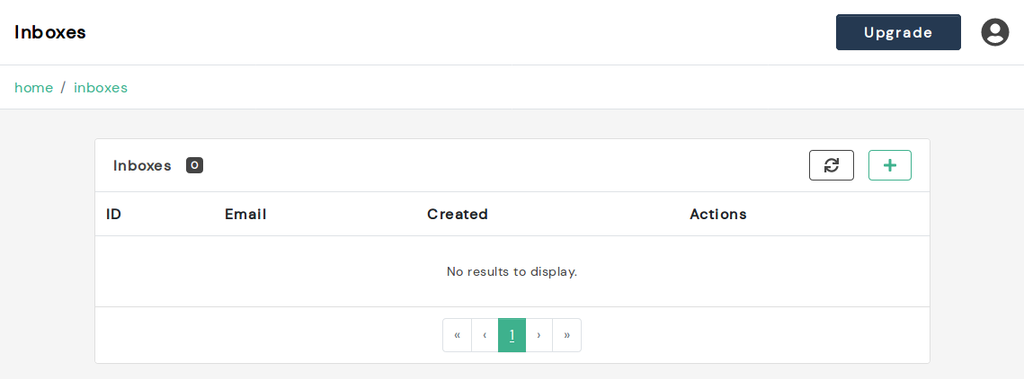
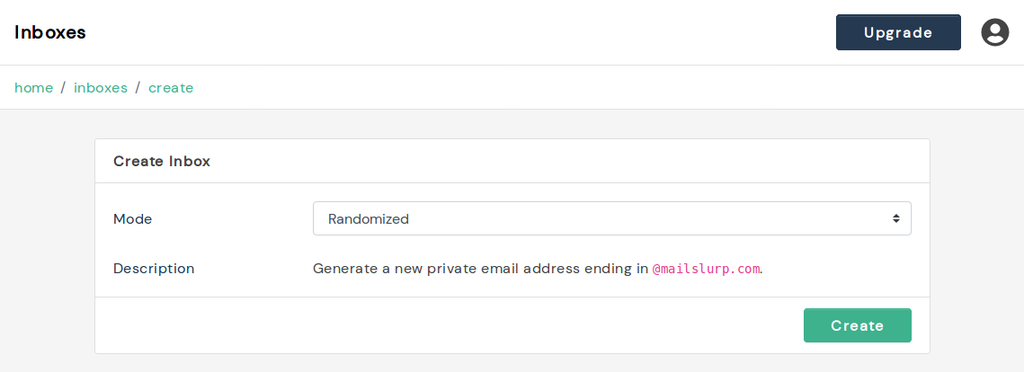
Create inboxes from the Inboxes section.
- Randomized inboxes for fast testing.
- Custom-domain inboxes for production-like validation.
Examples:
Composing and sending
Open an inbox and use Compose to send messages.
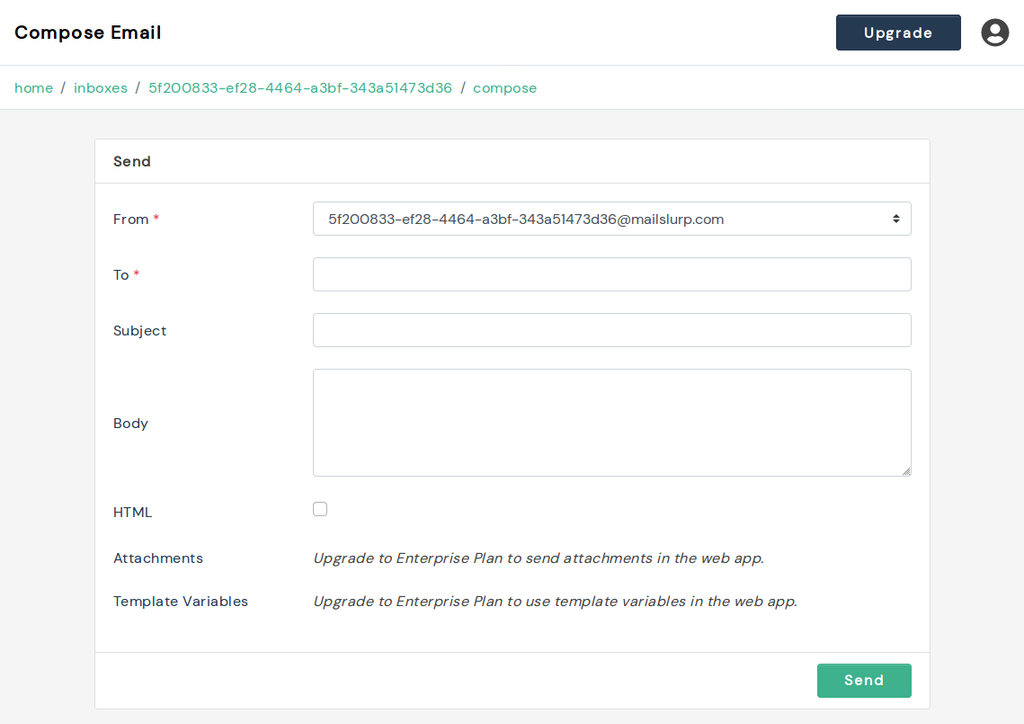
For API-based sending flows, see sending emails.
Receiving and inspecting
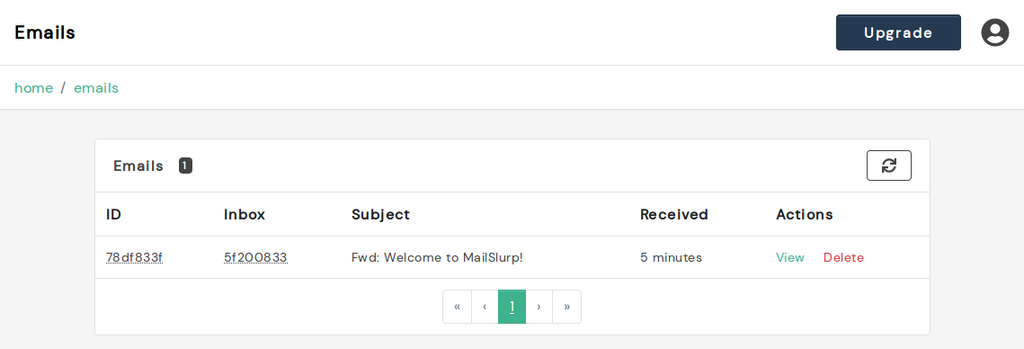
Use inbox refresh and message view to inspect incoming mail.
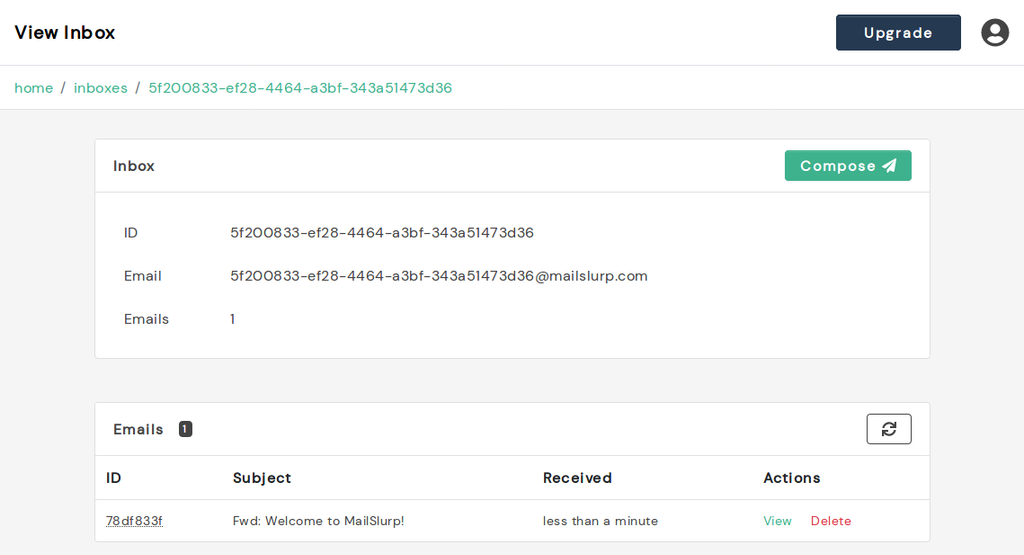
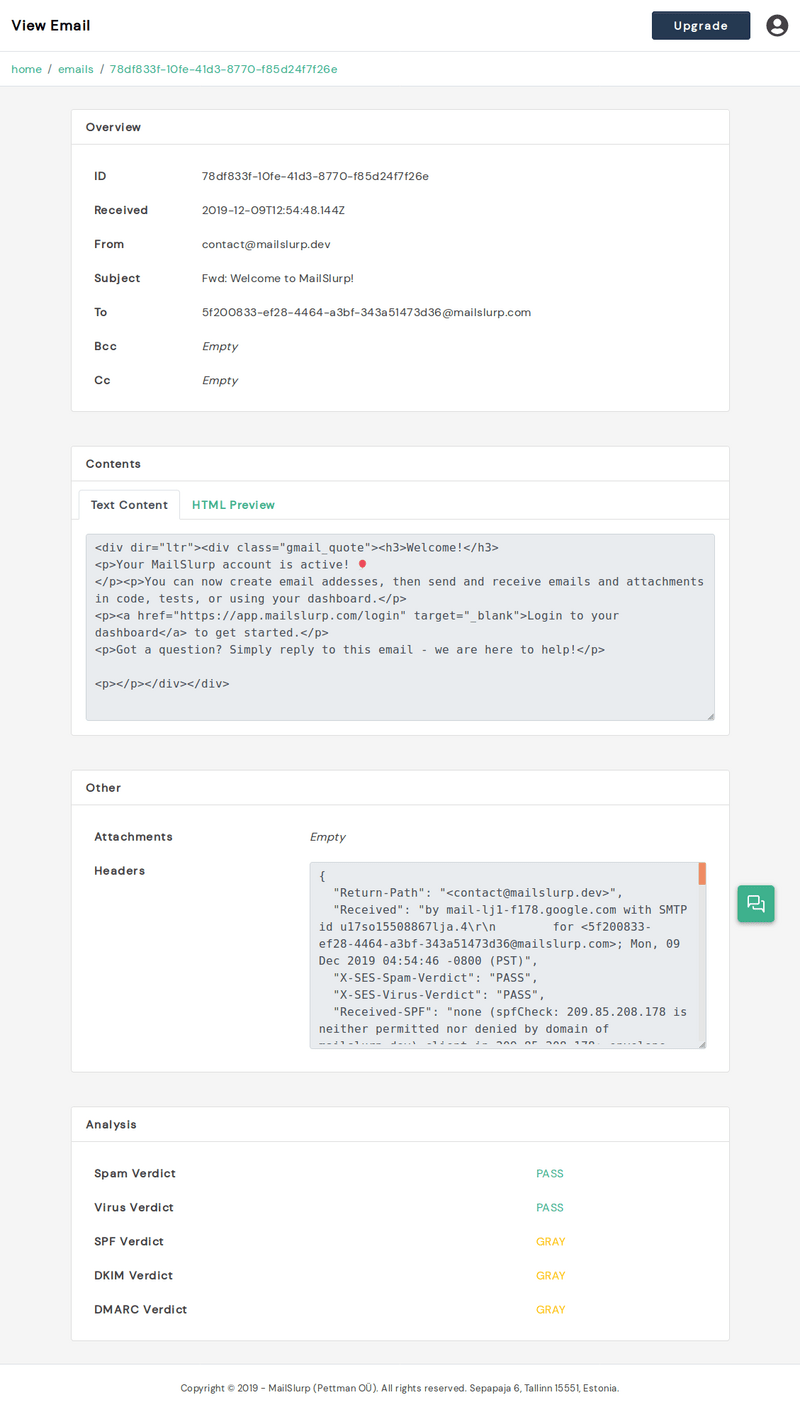
You can inspect envelope details, text/HTML content, raw source, and attachments.
Account and domain operations
For operations outside inbox workflows:
Team workflow recommendations
- Use naming conventions for inbox ownership and environment.
- Keep one inbox per test stream for easier debugging.
- Pair dashboard checks with API/webhook assertions before releases.
For API-first teams, continue in the developer portal and getting started.