










Test Appwrite email OTP sign-in with Playwright
Run an Appwrite email OTP test with a real inbox. Read the delivered six-digit code, exchange it for a session, and check the signed-in user after a browser reload.
By MailSlurpPublished
Use with your tools

An email can deliver the right six digits and the login can still fail. Appwrite needs the code and the user ID returned when the code was requested. For a returning address, that can be a different ID from the one your sign-in form passed into the request.
This example tests the whole exchange. Playwright submits an address on one form and enters the delivered code on another. MailSlurp provides a fresh inbox and lets the test read that email from Node. The final check reloads the app and asks Appwrite for the signed-in account.
Is Appwrite free?
You can run this email OTP example on Appwrite Cloud Free. We used a free staging project, its regional API endpoint and the standard email template. This flow uses email as a single passwordless sign-in factor. Phone OTP has separate billing. Appwrite Free plan · Phone OTP rates
In the project's Apps settings, register a Web app with localhost as its hostname. Under Auth, enable Email OTP. Copy the project ID and the regional API endpoint, including /v1. Appwrite email OTP
Download the runnable Appwrite example and open its directory. Use Node.js 22.12 or later. Fill in VITE_APPWRITE_ENDPOINT and VITE_APPWRITE_PROJECT_ID in .env.local. The Node runner also needs MAILSLURP_API_KEY. Keep that key unprefixed so Vite doesn't expose it to the browser.
npm ci
npx playwright install chromium
cp .env.example .env.local
# Fill in .env.local before starting the test.
npm test
Request a code and keep the returned user ID
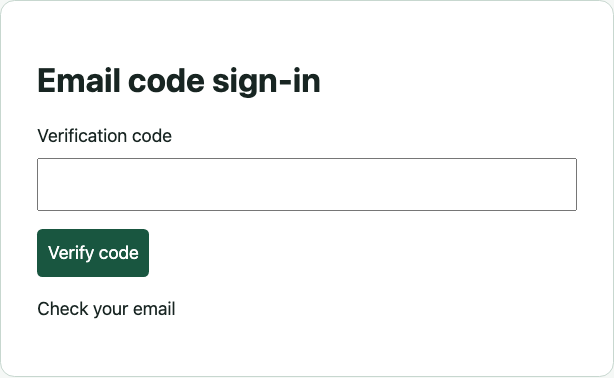
When the user submits their email, the browser calls createEmailToken. Appwrite associates the code with the returned token.userId. Save that value across the two form submissions, including when the address already has an account.
const token = await account.createEmailToken({
  userId: ID.unique(),
  email: request.elements.email.value
});
challengedUser = token.userId;
What should be included in an OTP email to ensure user trust?
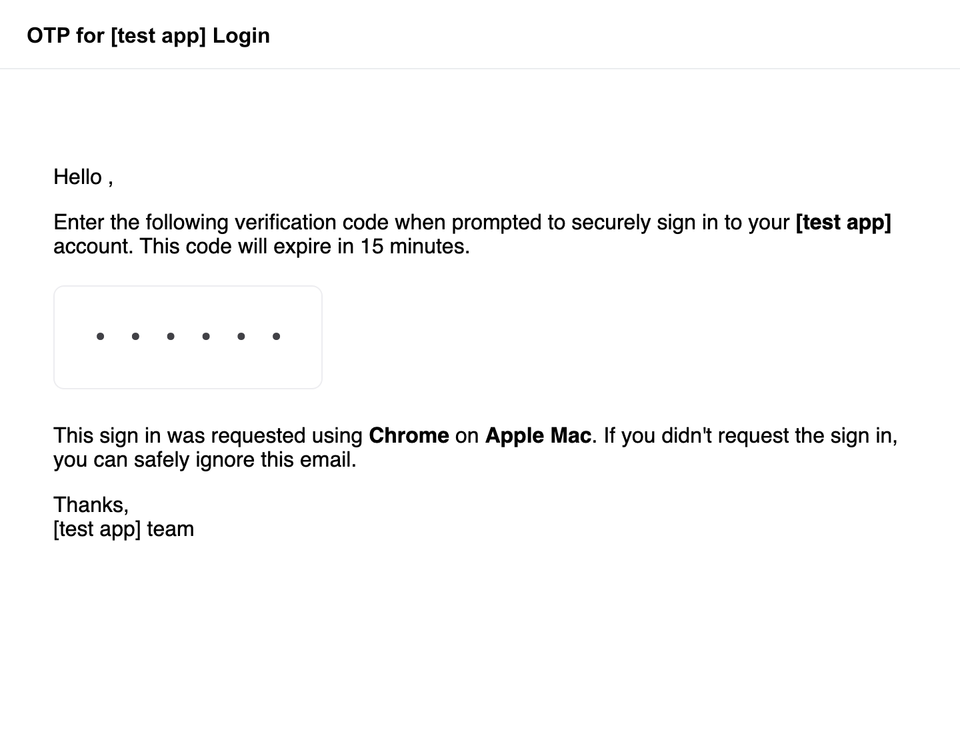
Name the app and the action that prompted the email, make the code easy to find, state when it expires, and tell the recipient what to do if they didn't request it. The Appwrite message in our test included a 15-minute expiry and identified the browser and operating system that initiated sign-in. If you customize your template, check those details against the actual request and configured expiry. Wording alone can't authenticate a sender.
Exchange the delivered code for a session
The runner waits for mail in the new inbox and reads the message as text. The default template can include the same code more than once, so the parser accepts exactly one distinct six-digit string. Keeping it as text preserves a leading zero. If your template includes a six-digit order or reference number too, limit the match to the verification instruction.
const message = await mail.waitForLatestEmail(inbox.id, 90000, true);
const { lines } = await mail.emailController.getEmailTextLines({ emailId: message.id });
const codes = new Set(lines.join('\n').match(/\b\d{6}\b/g));
if (codes.size !== 1) throw new Error('Expected one distinct email code.');
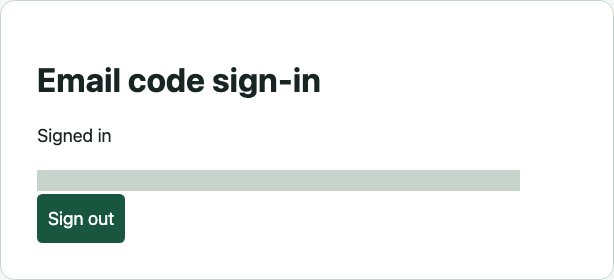
After Playwright enters those digits, the browser calls account.createSession({ userId: challengedUser, secret }). It then reads the user with account.get(). The test reloads the browser, compares the account's email with the MailSlurp inbox address, and signs out.
If no message arrives, check the endpoint, registered hostname and Email OTP setting. If the code arrives but the exchange fails, inspect its expiry and the user ID saved from the original challenge. If reload loses a session that was just created, inspect the account request and browser storage on the same staging origin. The test removes the temporary inbox. Appwrite keeps its user record, so use a staging project where you can retire test accounts.