
blog
Gmail Email Rendering: Test HTML, Mobile and Dark Mode
Preview delivered HTML emails in Gmail on desktop, Android and iPhone. Check mobile layout, clipping and dark-mode contrast with MailSlurp.
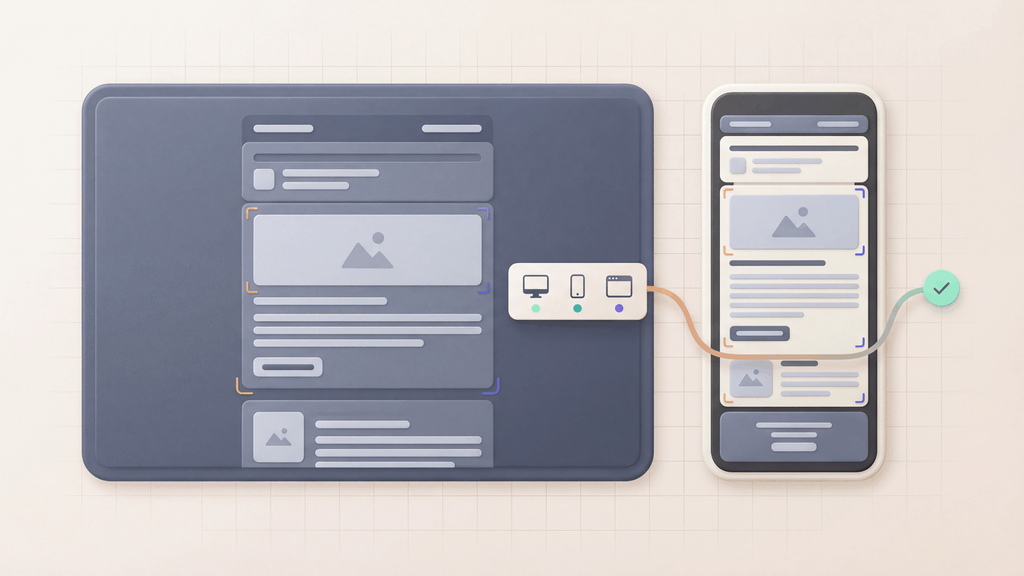
Gmail email rendering is a core check for email QA. Customers can open the same campaign in browser Gmail, Gmail on Android or Gmail on iPhone, and a template that looks right in your editor can change after delivery.
Checking those apps manually means opening each revision on the relevant devices and collecting fresh screenshots. MailSlurp is an email testing platform that keeps the selected client previews together for review. Use Free email render for a Gmail spot check, or use device previews for repeatable campaign and product email tests.
How automated device rendering works
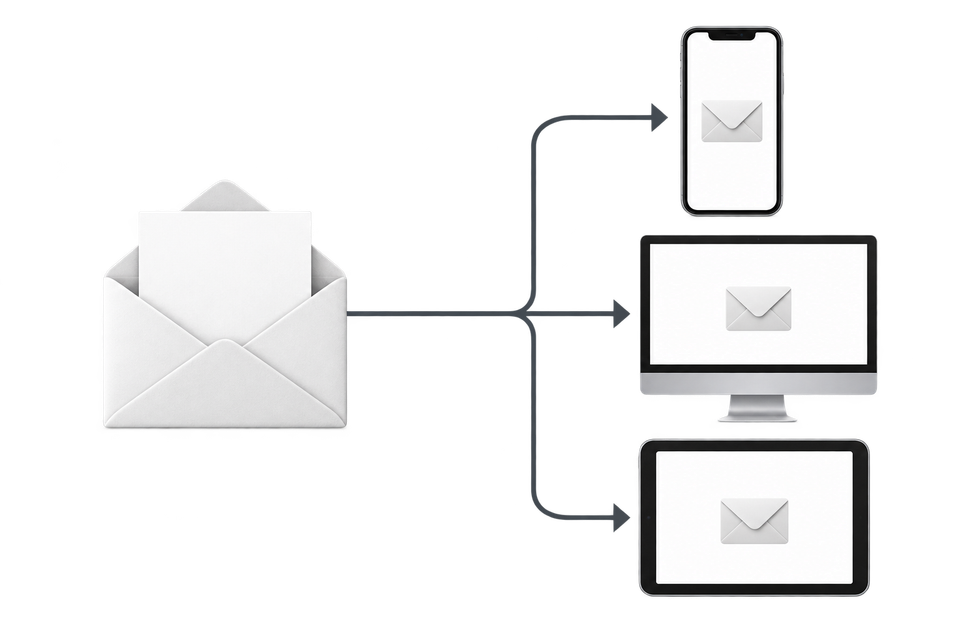
Choose the devices and email services you want to test, and MailSlurp gives you a special email address. Send your campaign to that address. MailSlurp opens the email in the selected apps and webmail services, then captures screenshots automatically.
The screenshots come back together, ready to compare across phones, tablets and computers. Check the layout, images and buttons, then share a result link so your team can review the same version of the email.
Quick answer
Preview Gmail rendering when the email includes:
- HTML templates from a builder
- responsive columns
- large images
- dark mode-sensitive colors
- tracking links
- personalization
- long legal or footer content
- primary CTAs above the fold
Gmail should be part of the render matrix for campaigns, lifecycle emails, signup flows, password resets, OTPs, invoices, alerts, and product notices.
Gmail rendering issues to catch
Gmail-specific review should look for practical failures:
- important content hidden by clipping
- mobile stacking that pushes the CTA too low
- images that load slowly or scale poorly
- buttons that lose contrast in dark mode
- preheader text showing fallback or placeholder content
- links pointing to staging or the wrong campaign path
- footer content that is hard to find
- heavy HTML that makes the message harder to scan
The goal is not to optimize for Gmail alone. The goal is to catch Gmail-visible problems while still reviewing other key clients.
Why the delivered Gmail preview matters
Design tools and browser previews show the template before the full sending path touches it.
The delivered email can include:
- merge-tag output
- tracking wrappers
- hosted images
- ESP-specific markup
- app-generated tokens
- final subject and preheader text
- unsubscribe and footer changes
Review that received version so you don't miss changes introduced during sending.
How to test Gmail rendering with MailSlurp
Quick render
Open Free email render, send the email to the render address, and inspect the result. This is the fastest path for a campaign or template spot check.
Render the ESP output
Send a campaign test from your ESP to a MailSlurp render address. The preview shows the message that test mode actually sends. Check the provider's test-send rules: recipient-specific personalization, tracking links and image URLs may differ from a regular campaign. Use a controlled campaign send when those differences affect the check.
Render product email
Trigger the real product flow in staging, receive the message in MailSlurp, and start a device preview from the email viewer. This is useful for signup, password reset, magic link, OTP, billing, and alert emails.
Render from the API
Use the API when Gmail preview belongs in CI or release approval. Create or receive the email, trigger a device preview run, and share the results with the team.
Compare Gmail with the rest of the matrix
Start by choosing the right Gmail app. The Gmail preview guide compares the same email in browser Gmail, Gmail Android and Gmail on iPhone, including light and dark results where available. A Gmail address alone does not identify which of those apps the reader uses.
Then compare the same message in the other clients your audience uses, such as Outlook and Apple Mail. Keep those results in the review so a Gmail fix does not hide a new problem elsewhere.
Gmail rendering checklist
Before sending, confirm:
- The headline and primary CTA are visible in the first screen.
- Images load and have useful fallback text.
- The email is not hiding important content through clipping.
- Mobile layout stays readable.
- Dark mode keeps text, logos, and buttons clear.
- Tracking links and CTA links resolve correctly.
- The footer and unsubscribe content remain accessible.
- Other target clients still render cleanly.
Pair Gmail rendering with email client testing and email deliverability testing when inbox placement and sender posture also matter.
FAQ
What is Gmail email rendering?
Gmail email rendering is how Gmail displays the delivered HTML email across web, mobile, and viewing modes.
Can MailSlurp preview Gmail rendering?
Yes. MailSlurp device previews are designed for real client and device rendering review, including Gmail, Outlook, mobile, desktop, light mode, and dark mode workflows.
Is Gmail rendering the same as Gmail deliverability?
No. Rendering is what the recipient sees after opening the email. Deliverability is whether the message reaches the inbox, spam, promotions, or another placement.
Where should I start?
Start with Free email render for a quick preview. Create a MailSlurp account when Gmail rendering should become a repeatable workflow.