
guides
Email templates for testing and transactional workflows
Create reusable email templates and validate HTML rendering, variables, links, and OTP content. Includes CI-friendly testing patterns with MailSlurp.
Use with your tools
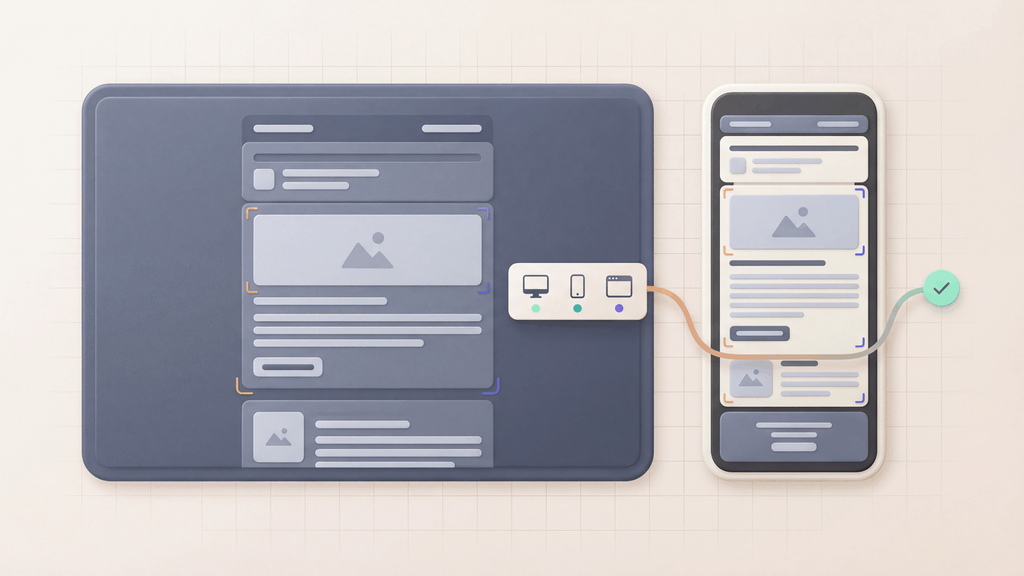
Email templates are the fastest way to ship consistent transactional email, but they are also one of the easiest places to ship regressions. A small HTML change can break a password reset button, leak the wrong environment link, or fail in dark mode.
This guide focuses on the practical side: how to design templates your team can reuse, and how to test them like code before they reach customers.
Quick answer
Use an email template when the same message shape needs to be sent repeatedly with different values. Before release, test the generated message, not only the source template.
That means checking:
- variables and fallback values
- reset links, OTP codes, billing links, and account URLs
- HTML and plain-text bodies
- images, buttons, and unsubscribe controls
- Gmail, Outlook, mobile, desktop, dark mode, and light mode rendering
MailSlurp provides test inboxes for checking the generated message and device previews for inspecting its appearance. Send the completed template from your application or email editor to a test inbox, check its personalized content, then compare it in the mail apps your customers use.
What counts as an "email template"?
An email template is a repeatable email body plus a set of variables you fill at send time. In a typical product, templates cover:
- OTP or verification codes
- Password resets and magic links
- Receipts, invoices, and alerts
- Team notifications and workflow status updates
If your template has any user-impacting link or code, treat it as part of your release surface.
Common failure modes (and how to prevent them)
Before you write more templates, decide how you will prevent these common issues:
- Broken links: wrong hostname, missing UTM params, or a stale route after refactors
- Missing variables:
{firstName}shows up literally in production - Unsafe HTML: unescaped content breaks the layout or introduces injection risk
- Rendering drift: looks fine in Gmail, breaks in Outlook, fails in dark mode
- Spam signals: too many tracking domains, heavy images, or missing authentication
You can catch most of these with a lightweight template test workflow.
Template variables and substitution
MailSlurp templates support variable replacement so one template can serve many user events.
If you're building "merge variables" or handlebars-style placeholders, use the dedicated guide:
Testing templates with MailSlurp (recommended workflow)
The goal is to make template validation deterministic:
- Generate an inbox for a test run.
- Send the template using a known set of variables.
- Assert the HTML contains the right link targets and copy.
- Extract codes or links and verify they behave.
- Gate the release if the checks fail.
Send a templated email
Let's test a password-reset template with a greeting and one reset link. The example uses a synthetic token and an example.com address, so it checks the generated email without resetting a real account. In your application test, request a real reset for a controlled test user and use the link your application generates.
Install mailslurp-client and keep MAILSLURP_API_KEY in the test runner's environment. This complete Node.js TypeScript function creates an isolated inbox and template, sends the message, and checks the delivered result:
import assert from 'node:assert/strict';
import { randomUUID } from 'node:crypto';
import {
  MailSlurp,
  MatchOptionFieldEnum,
  MatchOptionShouldEnum,
  type SendEmailOptions,
} from 'mailslurp-client';

export async function testResetTemplate() {
  const apiKey = process.env.MAILSLURP_API_KEY;
  if (!apiKey) throw new Error('Set MAILSLURP_API_KEY');
  const mailslurp = new MailSlurp({ apiKey });
  const inbox = await mailslurp.createInboxWithOptions({ expiresIn: 600_000 });
  let templateId: string | undefined;
  try {
    const template = await mailslurp.templateController.createTemplate({
      createTemplateOptions: {
        name: `Reset test ${randomUUID()}`,
        content: '<p>Hello {{firstName}}.</p><a href="https://app.example.com/reset?token={{resetToken}}">Reset password</a>',
      },
    });
    templateId = template.id;
    const subject = `Password reset ${randomUUID()}`;
    const resetToken = randomUUID();
    const since = new Date();
    await mailslurp.sendEmail(inbox.id, {
      to: [inbox.emailAddress],
      subject,
      template: template.id,
      templateVariables: { firstName: 'Sally', resetToken } as unknown as SendEmailOptions['templateVariables'],
      isHTML: true,
    });
    const email = await mailslurp.waitController.waitForMatchingFirstEmail({
      inboxId: inbox.id,
      since,
      timeout: 60_000,
      unreadOnly: false,
      matchOptions: { matches: [{
        field: MatchOptionFieldEnum.SUBJECT,
        should: MatchOptionShouldEnum.EQUAL,
        value: subject,
      }] },
    });
    assert.ok(email.to?.includes(inbox.emailAddress), 'Wrong recipient');
    assert.ok(email.body?.includes('Hello Sally.'), 'Greeting was not substituted');
    assert.ok(!/\{\{[^}]+\}\}/.test(email.body ?? ''), 'Unresolved template variable');
    const { links } = await mailslurp.emailController.getEmailLinks({ emailId: email.id });
    assert.equal(links.length, 1, 'Expected one reset link');
    const resetUrl = new URL(links[0]);
    assert.equal(resetUrl.origin, 'https://app.example.com', 'Wrong reset origin');
    assert.equal(resetUrl.pathname, '/reset', 'Wrong reset path');
    assert.equal(resetUrl.searchParams.get('token'), resetToken, 'Wrong reset token');
  } finally {
    const cleanup = [mailslurp.inboxController.deleteInbox({ inboxId: inbox.id })];
    if (templateId) cleanup.push(mailslurp.templateController.deleteTemplate({ templateId }));
    const results = await Promise.allSettled(cleanup);
    if (results.some((result) => result.status === 'rejected')) {
      console.warn('Template-test cleanup needs attention; remove its remaining test resources.');
    }
  }
}
The template variables are string values serialized into the send request. The type assertion accommodates the SDK's generated template-variable map type.
Call await testResetTemplate() from your test runner and allow more than 60 seconds for the whole test, since setup and cleanup also take time. Each run uses its own inbox and unique subject. The wait selects the message; the assertions check its recipient, substitutions and link. Keep tokens and complete message bodies out of shared logs.
Assert the right link or OTP shows up
For your own reset flow, compare the link's exact origin and path with the test environment before opening it. Follow the delivered link in the browser context that requested the reset when your authentication system requires that session. Set a new password, verify that it signs in, and check that the old password and reused reset link are rejected. The synthetic template example above checks URL contents only; it does not perform those application actions.
For an OTP template, keep the code as a string so leading zeros survive, match the expected surrounding text, and submit it to the application. Assert the final verified-user state as well as the email content. The OTP email testing guide and Playwright email documentation cover those application steps.
HTML email checklist for release readiness
Use this as a pre-merge checklist for template changes:
- Subject is descriptive and testable (not "Hello")
- Text alternative exists or the copy is readable without images
- Links use the correct environment base URL
- Buttons are accessible and work without images
- Variable placeholders have defaults or validation
- Branding assets are on stable URLs (no expiring signed URLs)
- Tracking pixels are intentional (and don't break deliverability)
For client-specific template work, use Outlook email templates when humans reuse templates from Outlook, and HTML email spacing when layout drift is the main risk.
For visual approval, use HTML email preview to check the template output across real clients and devices. For Gmail-specific sends, use Send HTML email in Gmail so the template is tested after Gmail has handled the final message.