










Ethereal Email for Testing: What It Catches and When You Need a Real Test Inbox
Ethereal catches the email your Node.js app sends without delivering it. See what it covers, where end-to-end and CI tests need more, and how to move a test to a real inbox.
By MailSlurpPublished
Use with your tools
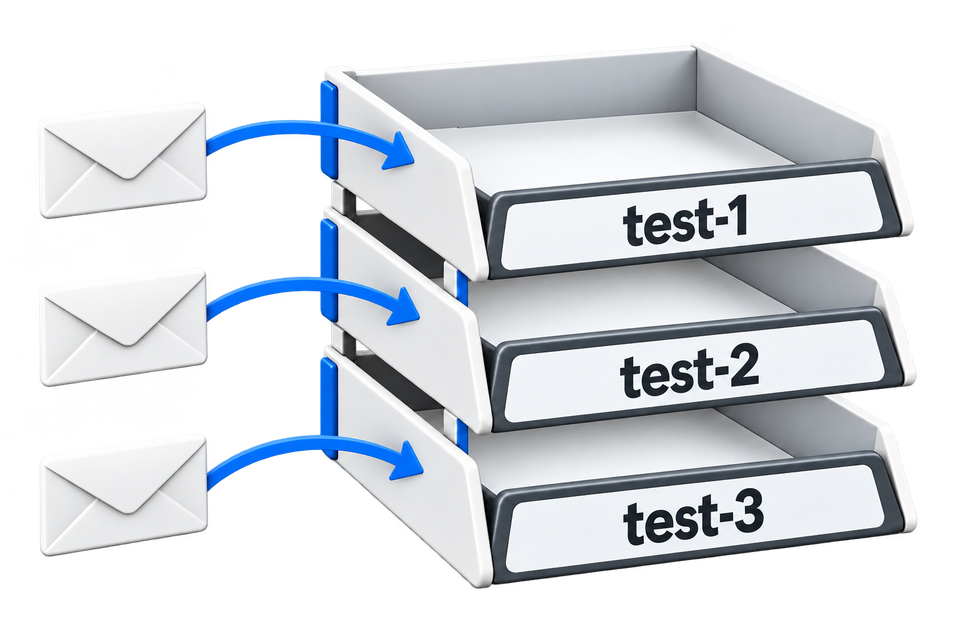
Ethereal is a fake SMTP service from the team behind Nodemailer. Your application sends through it like any SMTP provider, but nothing is delivered: every message is caught and kept for you to look at. For a developer building an email feature on a laptop, that's exactly what you want. You see the real message your code produced, and no customer receives a half-finished template.
End-to-end tests ask a bigger question: does a person who signs up actually get the email and finish what it asks them to do? This guide shows what Ethereal covers, where tests outgrow it, and how to move a test to a real inbox that receives mail like a user's would.
How Ethereal works
You create an account in code, point your mail settings at it and send as usual. With Nodemailer:
import nodemailer from "nodemailer";

const account = await nodemailer.createTestAccount();
const transporter = nodemailer.createTransport({
  host: account.smtp.host,
  port: account.smtp.port,
  secure: account.smtp.secure,
  auth: { user: account.user, pass: account.pass },
});

const info = await transporter.sendMail({
  from: "app@example.com",
  to: "new.user@example.com",
  subject: "Confirm your account",
  text: "Your code is 482913",
});
console.log(nodemailer.getTestMessageUrl(info)); // a link to the caught message
You can send to any address, real or invented, and open the caught message from the preview link, the Ethereal mailbox or any IMAP or POP3 client. Other languages work too, because an Ethereal account is an ordinary SMTP account. The service is free.
Where Ethereal fits
Ethereal answers "what did my code send?" It's a good choice for:
- building and reviewing templates while you develop;
- unit or integration tests of your own sending code, where the test sends through Ethereal and checks the message it caught;
- keeping a development environment from emailing real people.
Where end-to-end tests need more
Several limits, all from Ethereal's own FAQ, matter once a test has to behave like a user:
- Public accounts don't receive email from other senders. Mail sent to an Ethereal address from anywhere else bounces. If the email comes from your identity provider, your email service or another system, rather than through your own SMTP settings, the test can't receive it.
- Messages are kept for a few hours. That's fine for a test run, but not for keeping evidence of a failure overnight.
- Public accounts can send up to 200 messages an hour. A busy CI pipeline running many tests in parallel can reach that.
- Preview links are public. Authentication details are encoded in the URL, so treat them like a password if a message contains a real code or link.
- There's no documented API that waits for the next message. Tests read the mailbox over IMAP or use the link returned when the message was sent.
The first point is the important one. Most sign-up, password reset and magic-link emails in production are sent by a service your test doesn't control. To test them, the test user needs an address that receives mail from anyone, as a customer's would.
Move a test to a real inbox
MailSlurp gives each test its own inbox with a real address. Your application, or any service it uses, sends to that address as normal, and the test waits for the message through the API and uses its code or link. The change to a test is small: create an inbox instead of an Ethereal account, and use its address as the test user's email.
import { MailSlurp } from "mailslurp-client";

const mailslurp = new MailSlurp({ apiKey: process.env.MAILSLURP_API_KEY! });

const inbox = await mailslurp.createInbox();
// Sign up in your app or browser test with inbox.emailAddress, then:
const email = await mailslurp.waitForLatestEmail(inbox.id, 60_000, true);
const code = /\b(\d{6})\b/.exec(email.body ?? "")?.[1];
The wait returns as soon as the email arrives, so the test needs no polling. Because every test has its own inbox, parallel runs never read each other's messages, and the messages stay available after the run for as long as your plan keeps them.
If you still want the Ethereal behaviour, catching what your application sends without delivering it, a MailSlurp virtual inbox does that over SMTP or the API. The email sandbox shows how to point an application's SMTP settings at one and confirm that nothing was delivered.
For browser tests, the Playwright email testing guide and the Cypress plugin use the same inbox and wait calls. The fake SMTP server guide compares local catch-all servers such as Mailpit and smtp4dev with hosted inboxes.
Common questions
Is Ethereal Email free?
Yes. Ethereal is run by the Nodemailer team and funded by their commercial product, EmailEngine.
Can Ethereal receive emails?
Public Ethereal accounts can't receive email from other senders; it bounces. Ethereal says inbound email is available only for accounts created by EmailEngine subscribers.
What is a good Ethereal alternative for CI?
For tests that only check what your own code sends, a local catch-all server such as Mailpit works in CI. For end-to-end tests that need a real address, mail from any sender and a server-side wait, use a hosted test inbox such as MailSlurp, which also gives each parallel test its own inbox.
Should I replace Ethereal everywhere?
No. Keep it, or a local fake SMTP server, for development and fast checks of your own sending code. Use real test inboxes for the tests that prove a user can receive the email and complete the action.