










Email client support: what works in Outlook, Gmail, Apple Mail and Yahoo
Which CSS, image formats and dark-mode rules work in Outlook, Gmail, Apple Mail and Yahoo? Answers from test emails on 12 real email apps, with screenshots.
Use with your tools
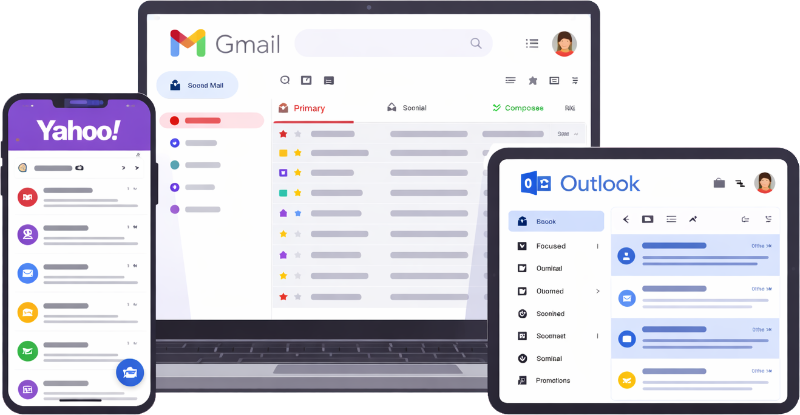
If you have ever sent an email that looked perfect in your editor and then seen a screenshot of it from someone's work laptop, you know the feeling. The buttons are square. The two columns are now one. The logo has vanished into a dark background. Nothing in your email changed; the email app reading it did.
HTML email is displayed by dozens of different apps, and each one decides for itself which parts of your HTML and CSS to honour. Classic Outlook for Windows ignores rounded corners and most layout CSS. Some Gmail apps throw away every <style> block. Dark mode recolours the same email differently on each phone. These pages are our attempt to answer, app by app and feature by feature, what actually works today.
Why the same email looks different in each app
Every app has its own rendering engine
A web browser displays a web page with a rendering engine that follows web standards closely. Email apps are less consistent. Apple Mail uses the same engine as Safari and supports almost everything. Classic Outlook for Windows uses Microsoft Word to lay out email, which is why it ignores so much CSS. Gmail strips parts of your HTML for security, and how much it strips depends on which Gmail you are using.
Support tables help, but many results are old
Published support tables are a useful starting point, but most of their results were recorded years ago. Since then Microsoft has introduced a new Outlook for Windows, and Apple and Google have shipped several mail app updates. So we tested the apps ourselves, and we re-test them every quarter.
Last tested: November 2026.
How we test
The test emails
Each test email is a simple two-column table. The left column names a feature, and the right column holds a red block that turns green only when the app applies that feature. Features that can't change a colour, such as an image format or a video, show the element itself or a fallback message.
One rule per block
Rules that need a stylesheet, such as media queries and selectors, each sit in their own <style> block. Some email apps discard a whole block when they find one rule they don't support, so combining rules would hide results that do work. Effects such as rounded corners, shadows and gradients are written directly on their element as inline styles.
Where the screenshots come from
The screenshots come from MailSlurp device previews, which capture a delivered email in each app. The iPhone and iPad screenshots come from physical devices, the Android apps run on an Android emulator, and the desktop and webmail apps run in their own windows. We read each line from the screenshot of the delivered message and record the result. When a question needs a new test, we add a new test email and publish it with the results.
How automated device rendering works
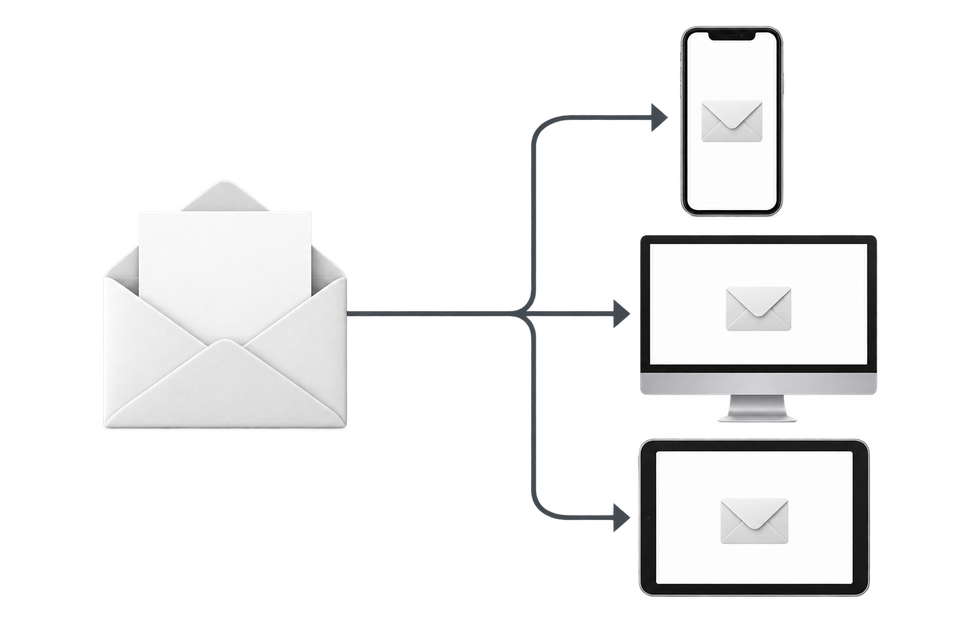
Choose the devices and email services you want to test, and MailSlurp gives you a special email address. Send your campaign to that address. MailSlurp opens the email in the selected apps and webmail services, then captures screenshots automatically.
The screenshots come back together, ready to compare across phones, tablets and computers. Check the layout, images and buttons, then share a result link so your team can review the same version of the email.
Results by email app
Here is how many of the 20 CSS features in our test email each app applied. Follow the links for the screenshots, the full results and what to do about the gaps.
| Email app | CSS features supported | Details |
|---|---|---|
| Apple Mail (macOS, iPhone and iPad) | 20 | Apple Mail and iPhone Mail |
| New Outlook for Windows | 17 | New Outlook for Windows |
| Gmail (web) | 10 | Gmail |
| Outlook for Android and Outlook for iOS | 10 | Outlook for iPhone and Android |
| Yahoo Mail (web) | 10 | Yahoo Mail |
| Outlook on the web | 9 | Compared on the new Outlook page |
| Gmail for iOS and Android (IMAP account) | 7 and 6 | Gmail |
| Outlook for Windows (classic) | 1 | Outlook for Windows (classic) |
Questions answered with screenshots
- Which CSS does Gmail support?
- What HTML and CSS does classic Outlook for Windows support?
- How is new Outlook for Windows different from classic Outlook?
- How does Gmail dark mode change email colours?
- Which email apps support media queries?
- Can you put a video in an email?
- Do gradients, shadows and rounded corners work in email?
- What is the default font in iPhone Mail, Gmail and Outlook?
- How do I send an HTML email in Outlook?
Tested templates, code and design references
- Free transactional email templates: password reset, verification code, receipt, welcome and team invite, each rendered on 12 apps.
- HTML email code patterns: a bulletproof button, columns that stack without media queries, a background image with VML, a fluid image, a rounded card and lists.
- MJML, React Email, Maizzle and Foundation for Emails compared: the same email built in each framework and rendered on 12 apps.
- Dark mode colour map: what Gmail and Outlook for Android do to 99 colours.
- HTML email signatures: logos in dark mode, round photos and links in 12 apps.
- Emoji in email: flags, skin tones and the newest emoji in 12 apps.
The November 2026 report has the full results for all 12 apps, including images, video, <details> and dark mode in Outlook for Android. Measured results also appear in our guides to background images, Gmail clipping and email width on phones.
What these results don't cover
- Dark mode on Apple devices and Outlook for Windows. So far we have measured dark mode on Gmail for Android, Gmail on the web and Outlook for Android only.
- Gmail apps signed in to a Google account. Our Gmail app devices read mail through IMAP accounts, which the Gmail apps treat differently.
- Preview text in the inbox list. The screenshots show the opened message.
- GIF animation. A screenshot shows whether a GIF displays, not whether it plays.
Test emails and results
- CSS test email (HTML)
- Image and HTML test email (HTML)
- Dark mode test email (HTML)
- Default font and background image test email (HTML)
- Email width tests: 600px, 640px and 700px
- Gmail clipping tests: 90 KB and 120 KB
- Code patterns, dark mode colour map, email signatures and emoji test emails
- All results as JSON
For features we haven't tested, the email feature compatibility table lists published support data, and the free email render shows how your own message looks on real devices.